Problem
Days blur together. Journals fail because they ask for work: a blank page every night. Photo libraries hold the evidence, but thousands of photos can't answer a question like "when did I last see Sara?"
Talk, type or snap, and Recall files your day into a timeline of people, places and moments you can ask questions about. The idea goes back to 2024 and became my 2025 capstone concept. In 2026 I designed and built it as a real iPhone app, and it's now in public beta.
 Public TestFlight beta
Days blur together. Journals fail because they ask for work: a blank page every night. Photo libraries hold the evidence, but thousands of photos can't answer a question like "when did I last see Sara?"
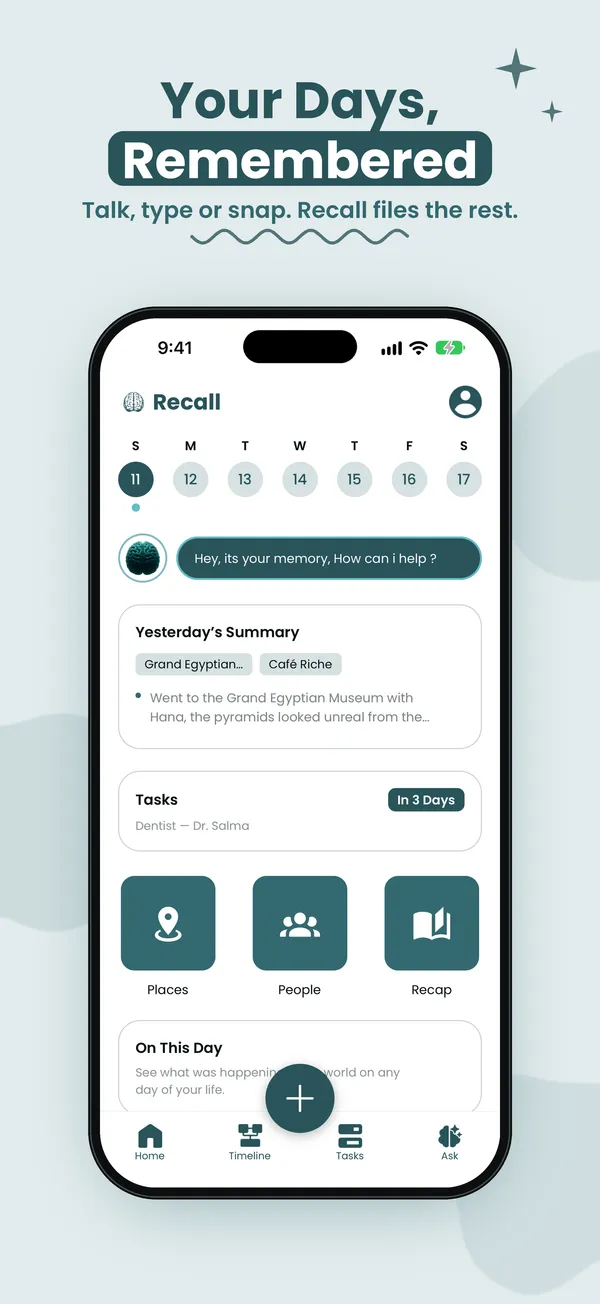
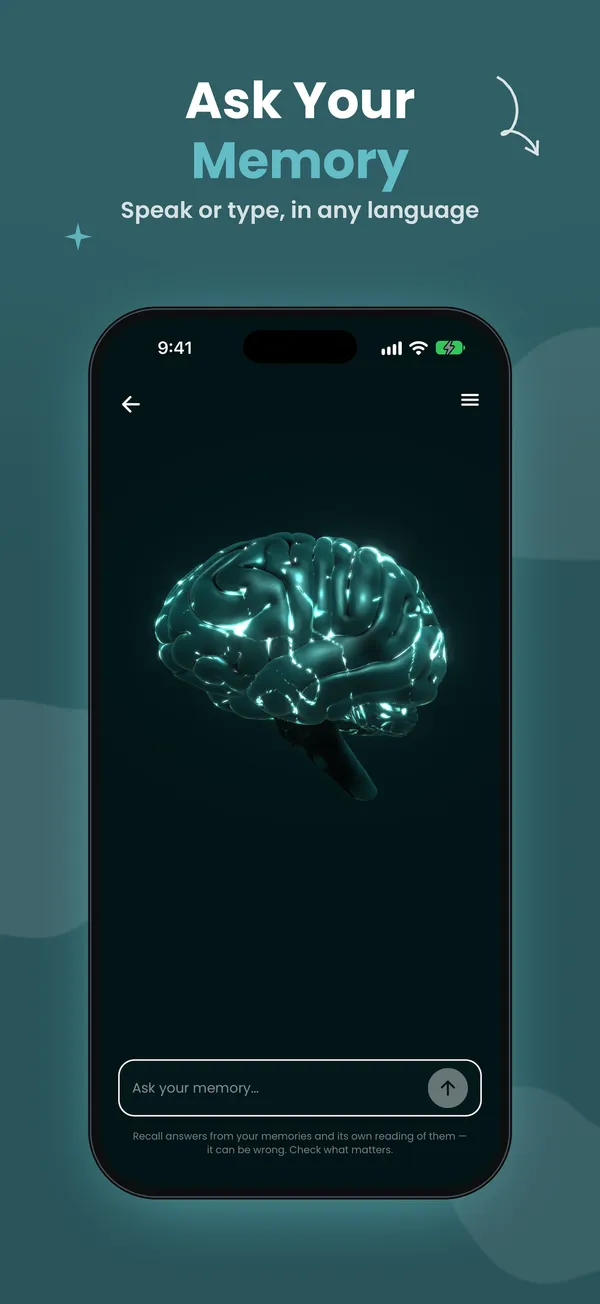
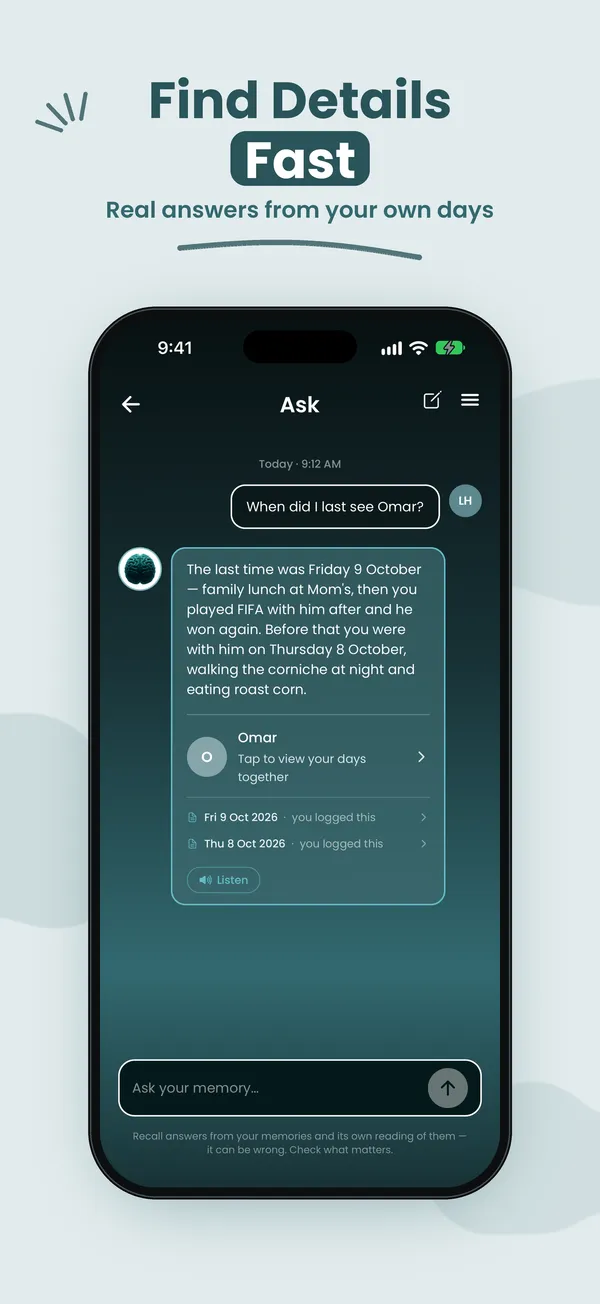
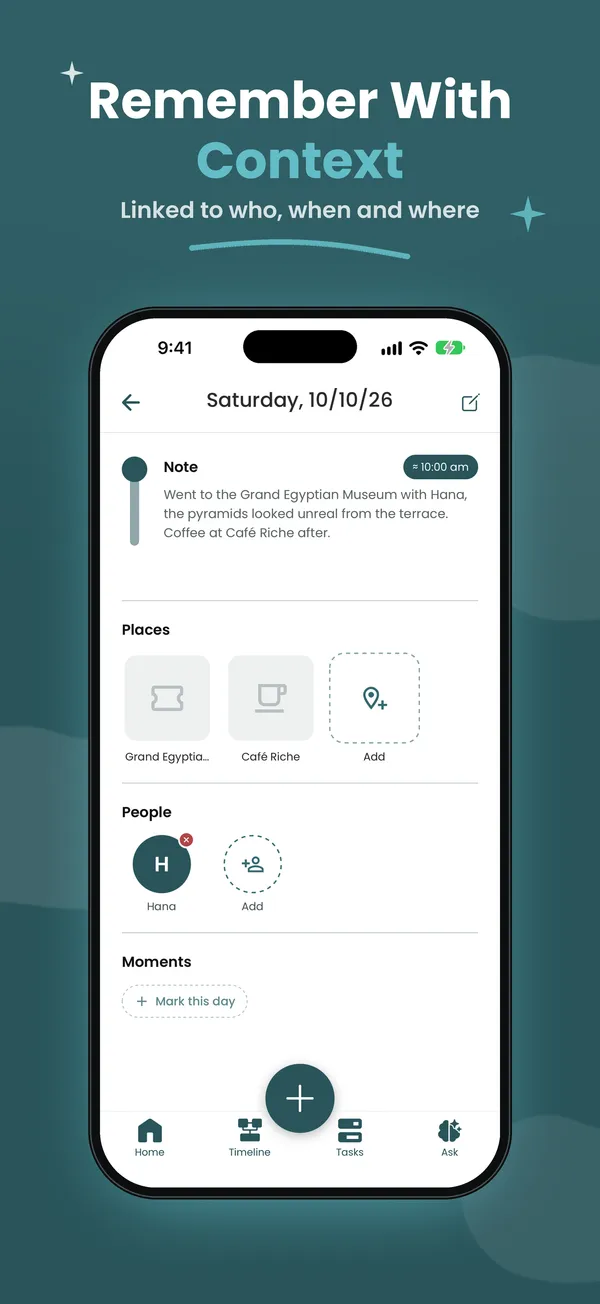
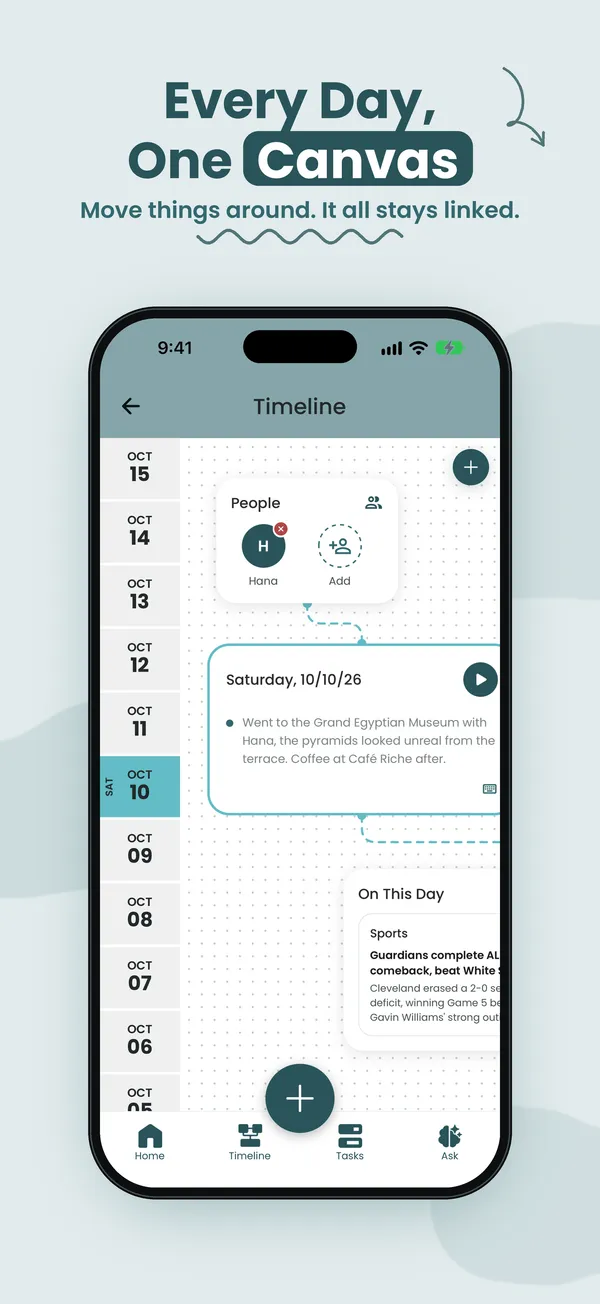
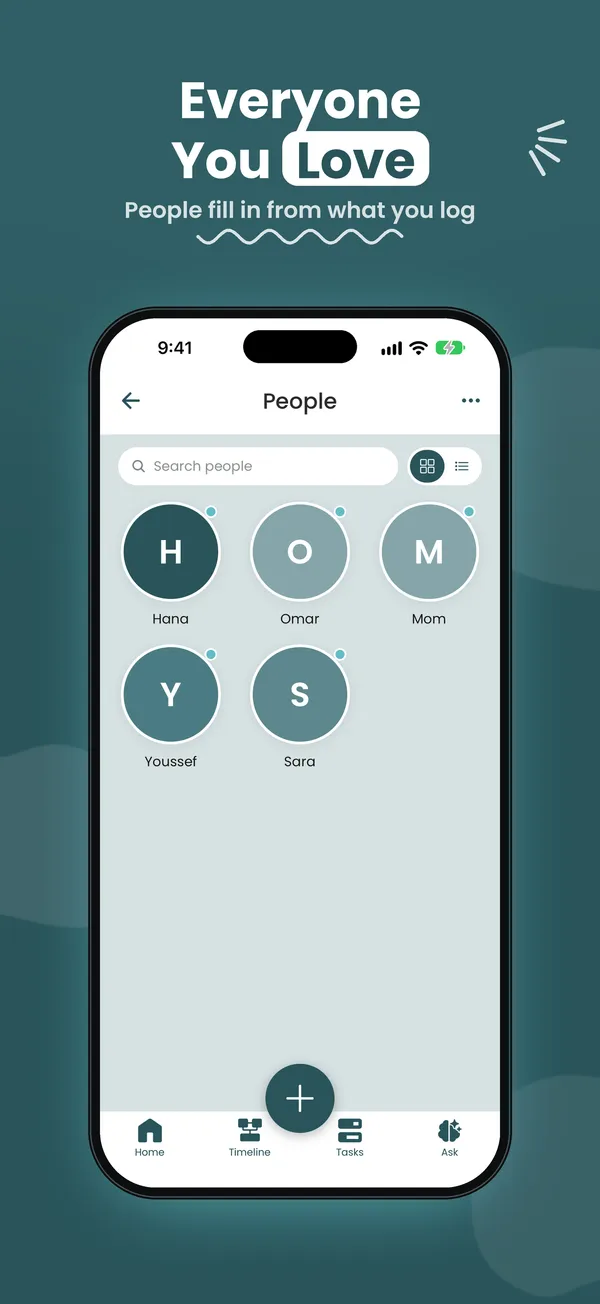
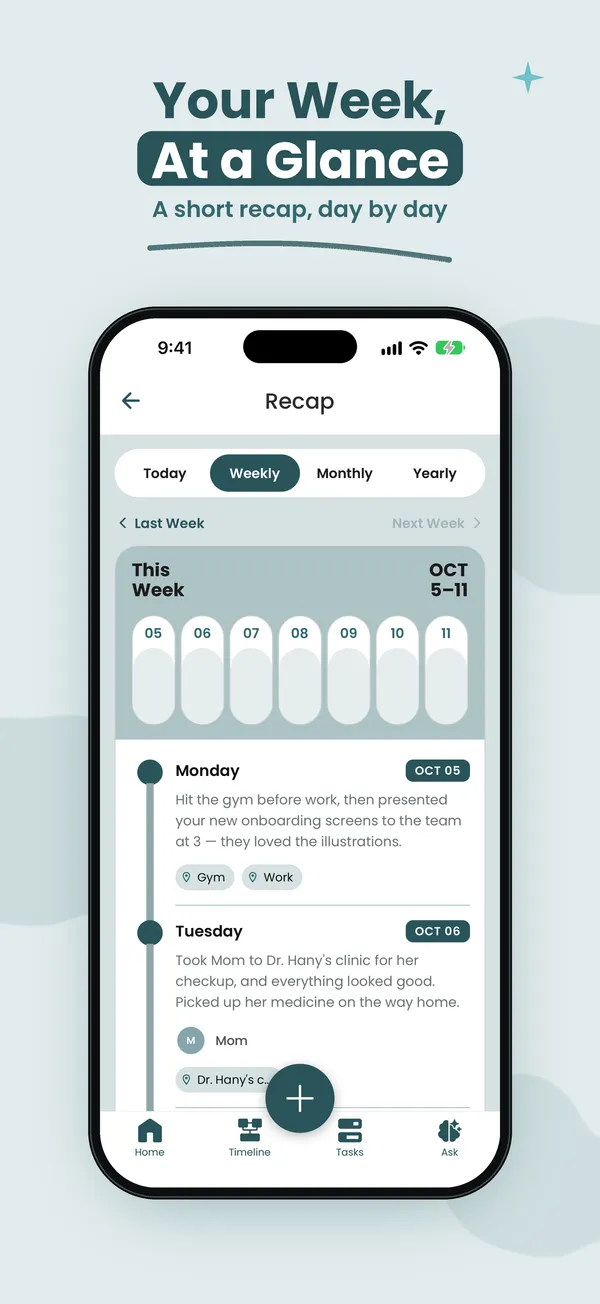
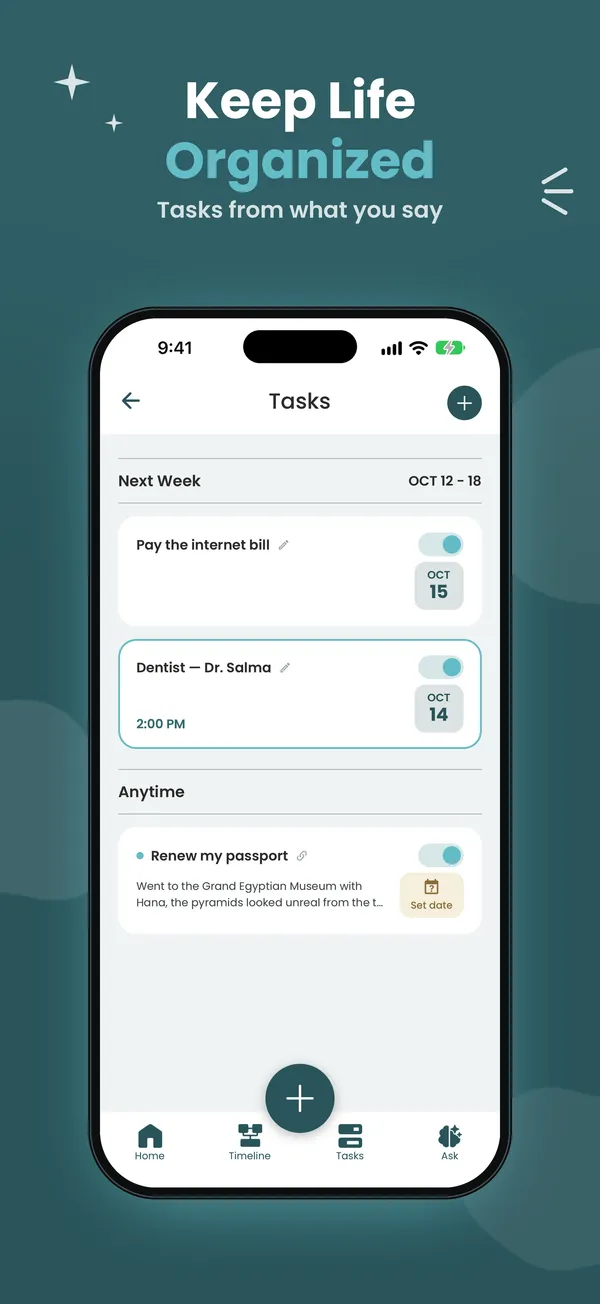
The App Store screenshots I designed for the listing. Scroll sideways.
The idea started in 2024. I first tried to write it down on 21 April 2025, and that fall it became my senior capstone.
We take in more every day than any generation before us: meetings, names, places, ideas. Our brains were built to prioritize, not to store everything, and what gets filtered out isn't always what we'd choose to forget. A name from a networking event. What a professor said on Tuesday. The café where a conversation changed your mind.
Existing tools don't solve this. Notes apps only work if you remember to open them. Reminders tell you when but not why. Photo libraries give you images with no context. None of them work the way memory does, by connecting people, places and moments.
…help people record, organize and recall their days as connected, meaningful moments, not just data points?
For the capstone I surveyed 15 students and young professionals. I didn't ask whether they'd use a memory app. I asked where and how forgetting actually happens, and what they do about it now.
struggle with memory most at work or school, not in their personal lives.
use no dedicated tool to help them remember.
forget names and conversations most often, more than tasks or deadlines.
64% fall back on phone notes or calendars. Of those, half feel neutral about them and a third are unsatisfied. Nobody said "very satisfied." That's why every input in Recall had to take seconds, not minutes.
Wants to stay sharp. Notices small gaps, like last week's conversation. Needs reassurance, not data entry.
Back-to-back days. Needs to capture a moment in seconds and trust it gets organized later.
Loses the thread between work and family, like a follow-up buried under a lecture note.
I wanted to know whether the core idea worked: can connected logging help someone remember a day weeks later? I worked with one participant who matched the target user, and tested the app's logic by hand.
Key events in a set format: what, where, with whom.
Link each day to something real that happened in the world: a match, a headline.
Without notes, what details can they still recall?
Same day, same question. What lasted?
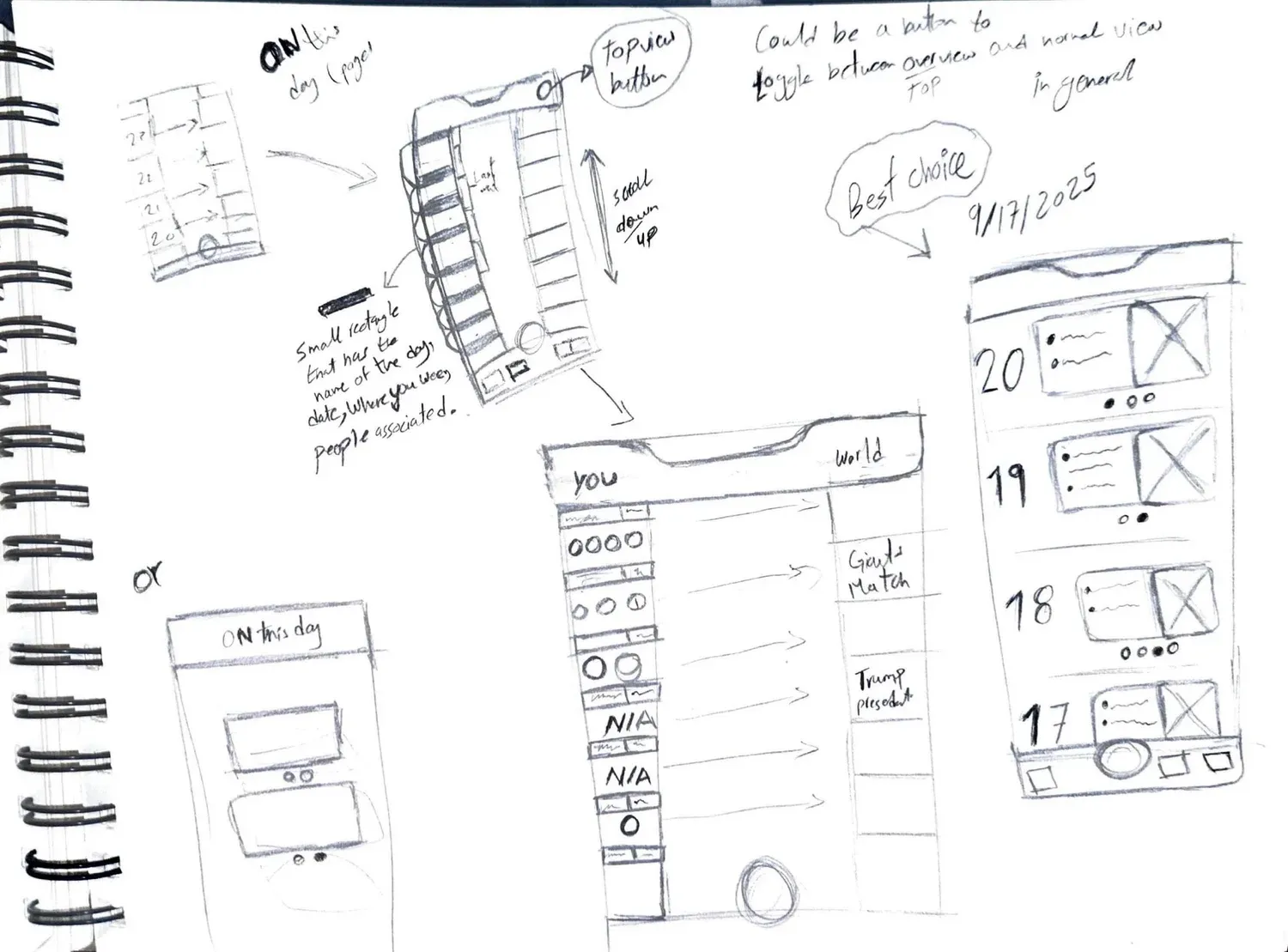
Tie a personal day to a real event, and remembering one brings back the other. This became On This Day, and it's still in the shipped app: "the doctor's day was the day Liverpool beat City."
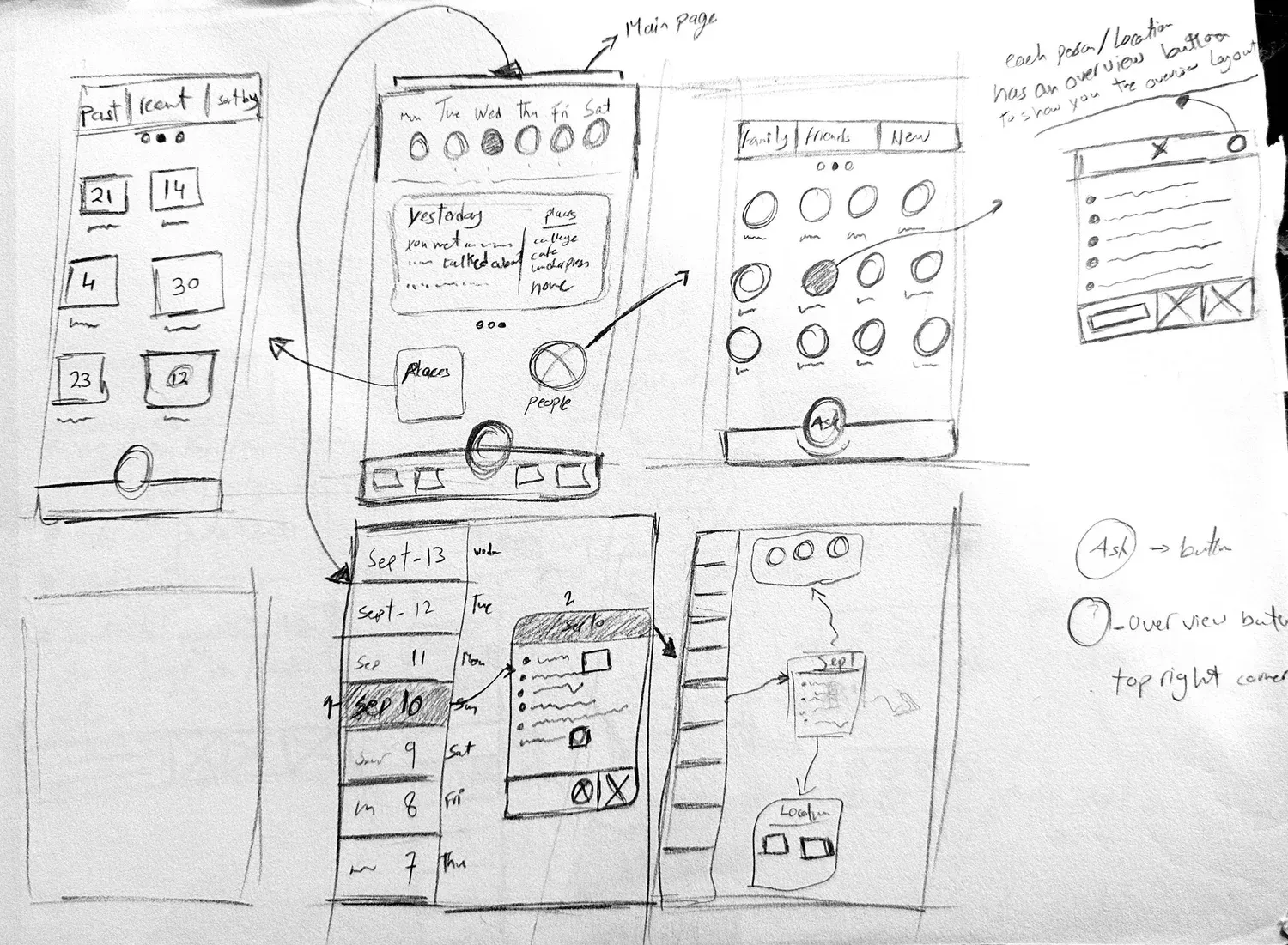
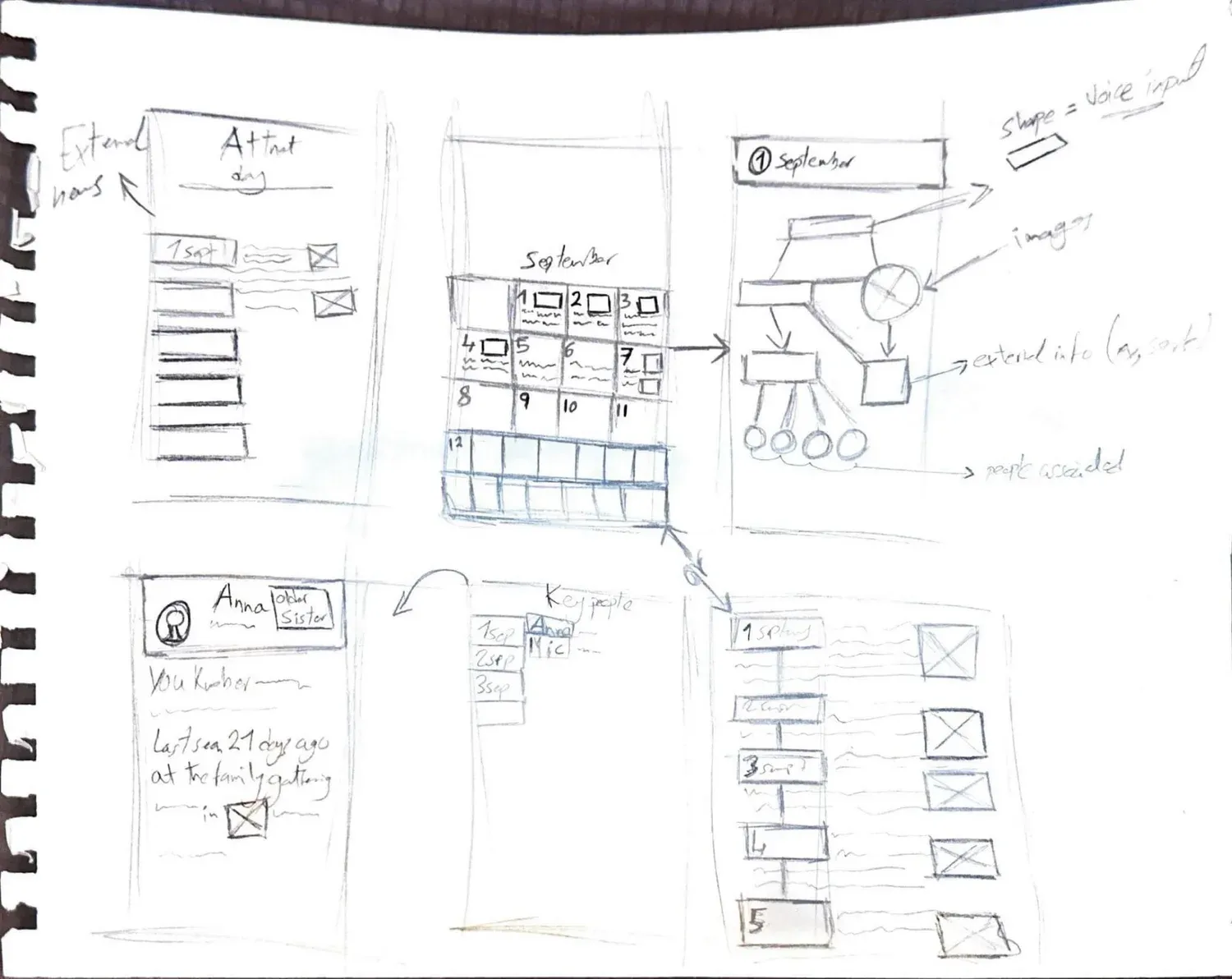
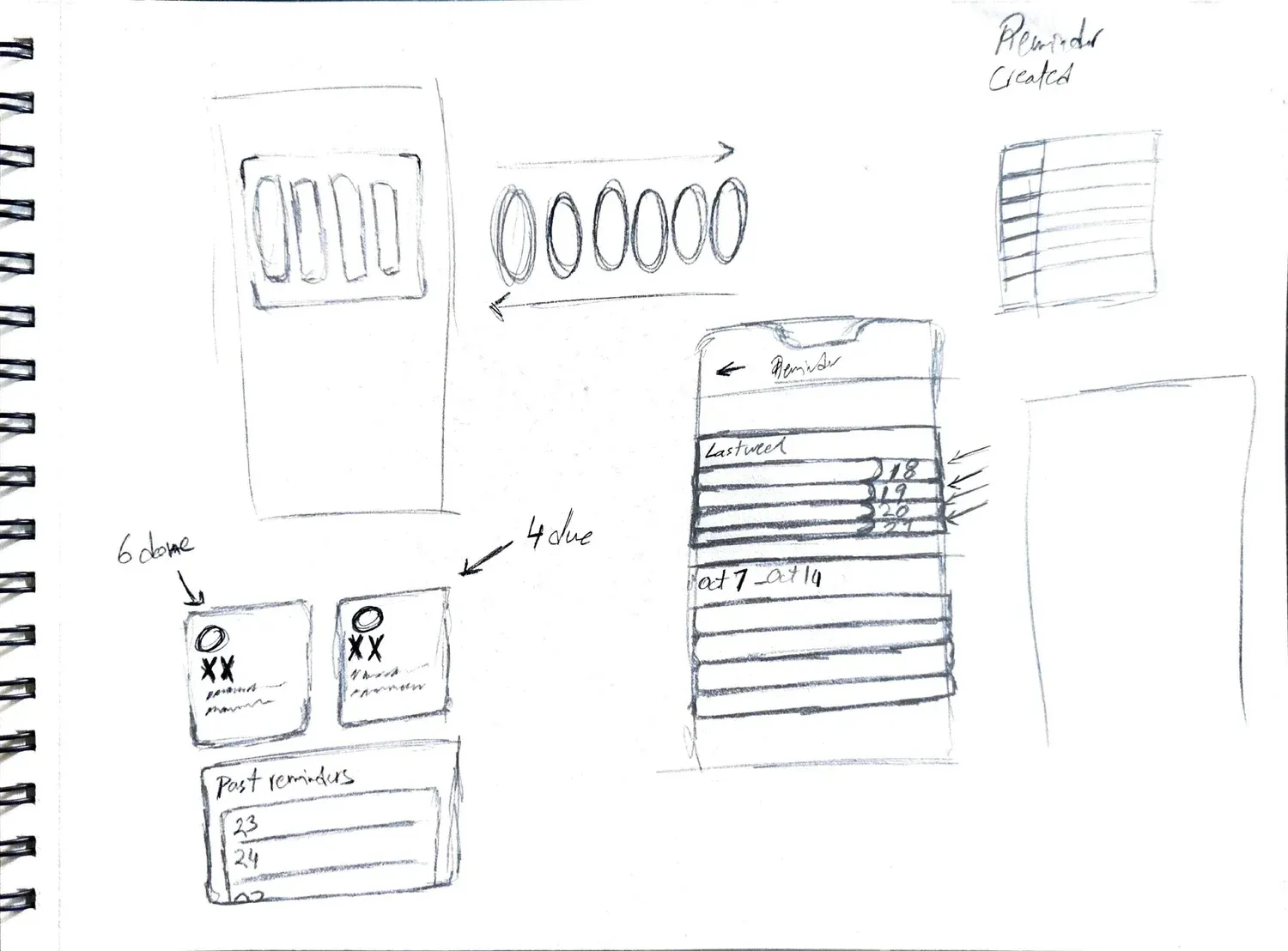
I sketched the core flows on paper before touching Figma, then designed the full concept: onboarding with an interest quiz, Home, Timeline, day details, On This Day, People, Places, Ask and Recap. These are the original capstone screens.
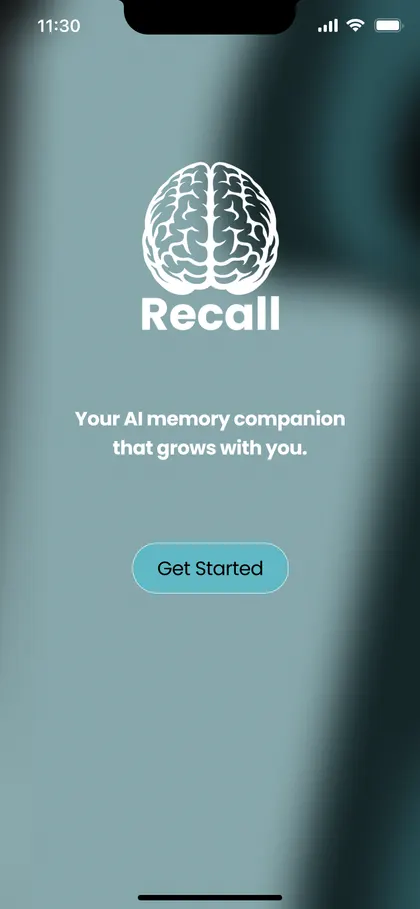
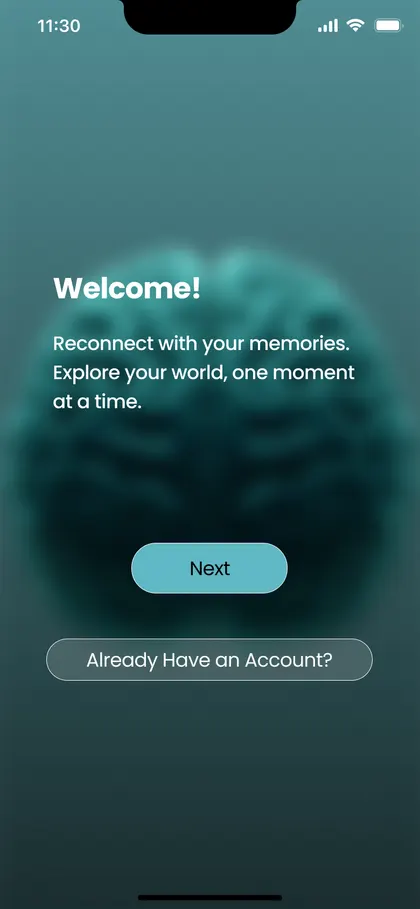
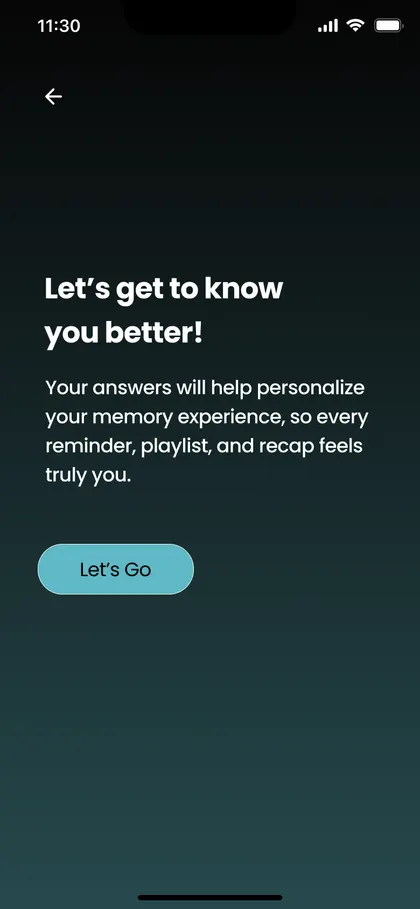
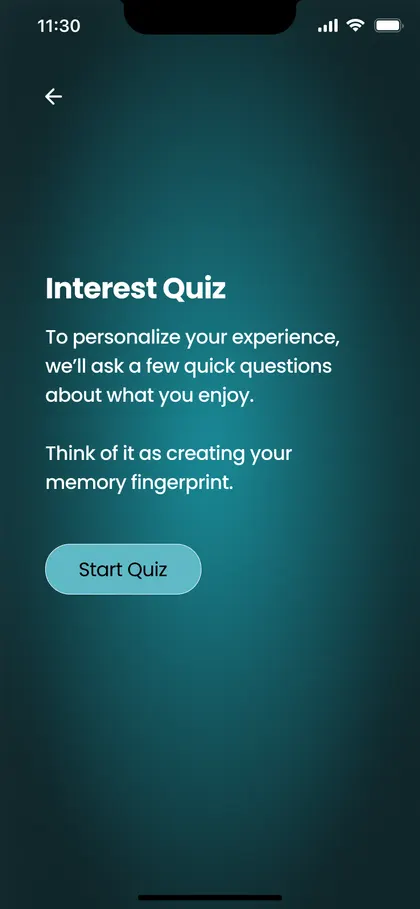
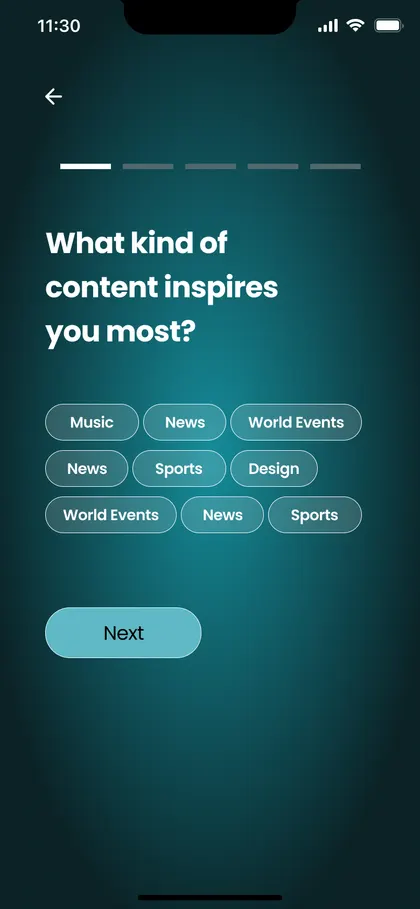
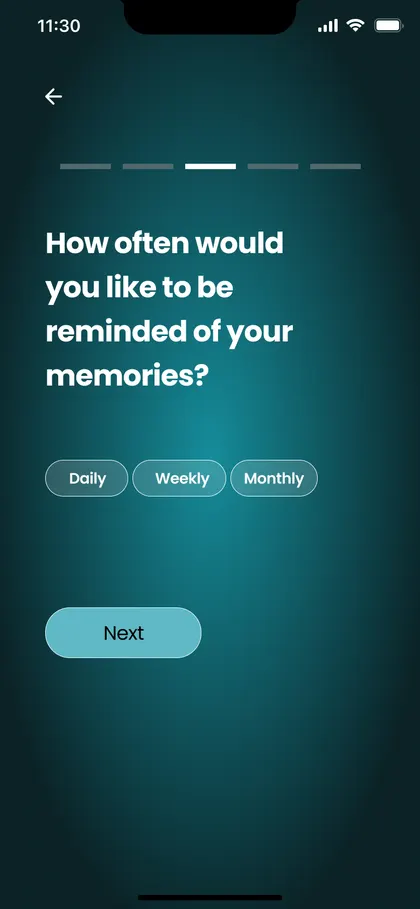
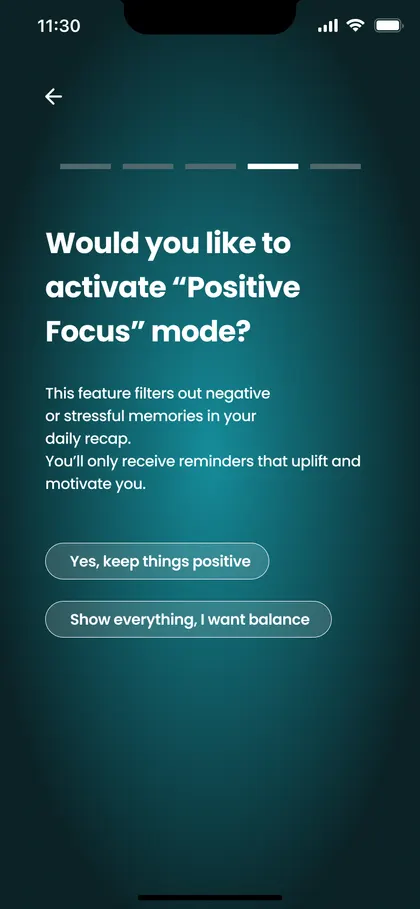
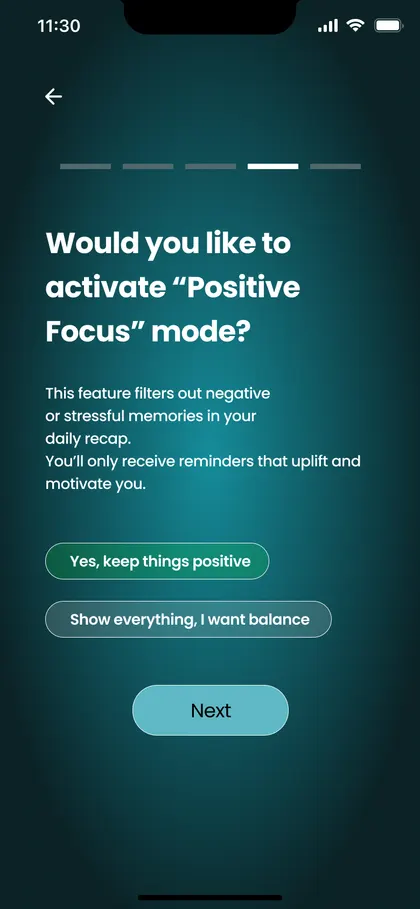
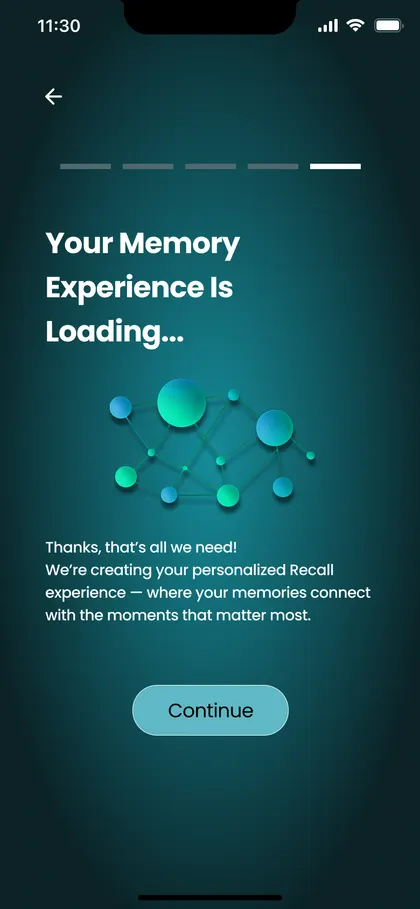
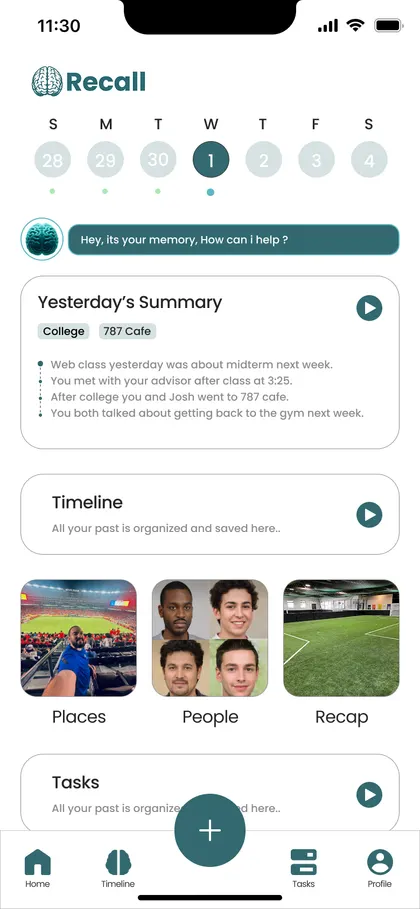
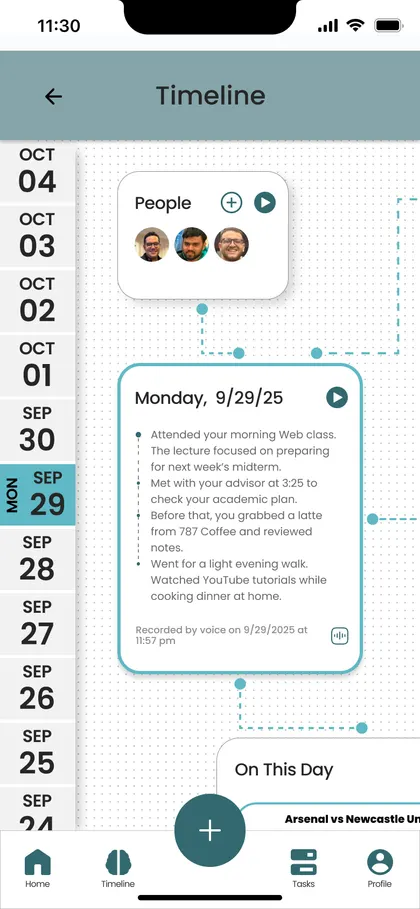
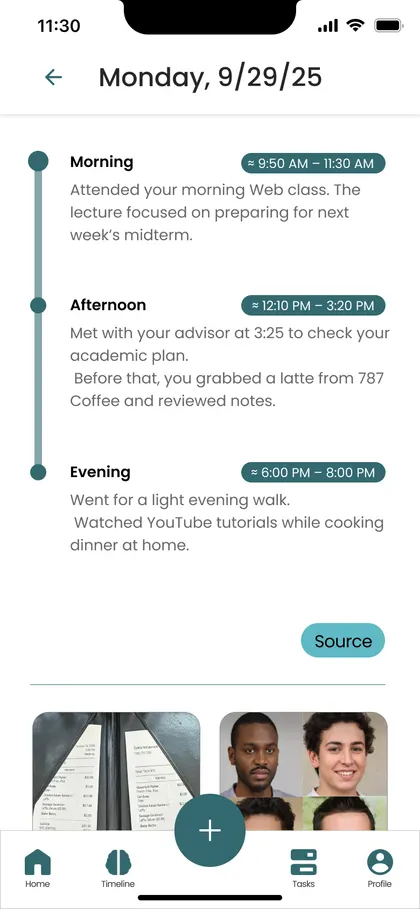
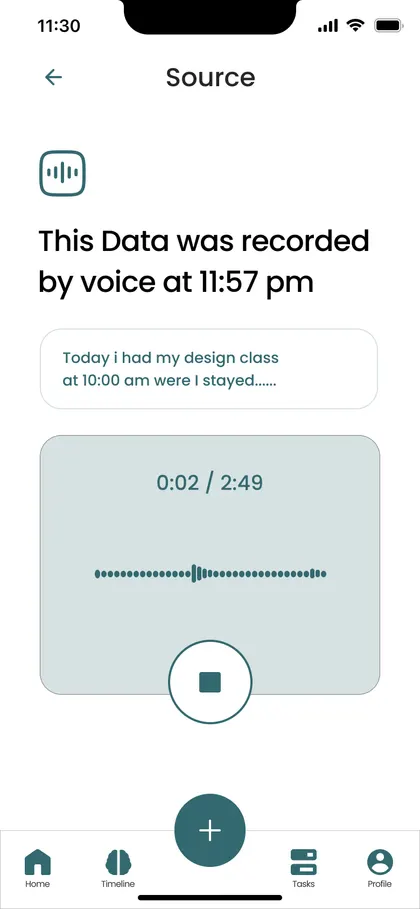
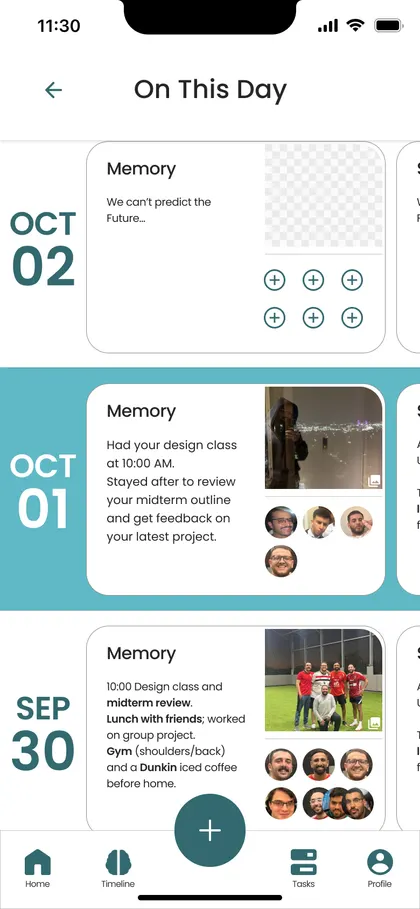
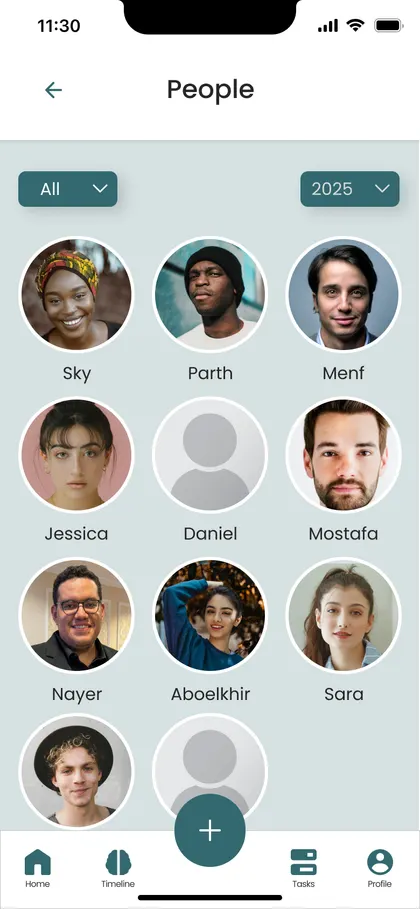
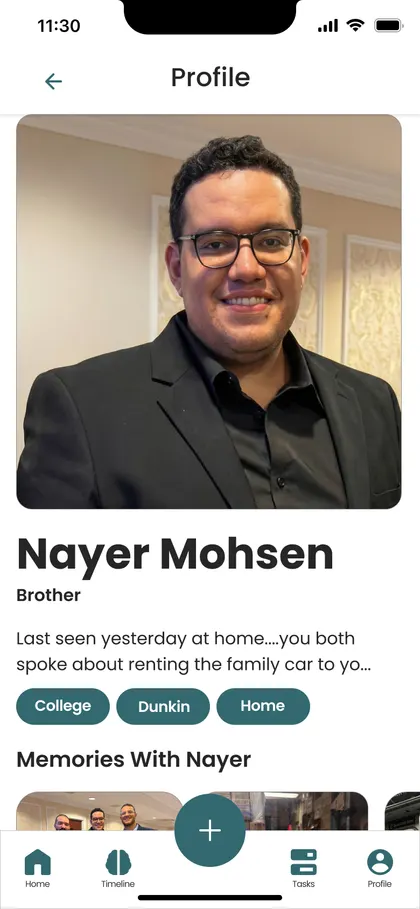
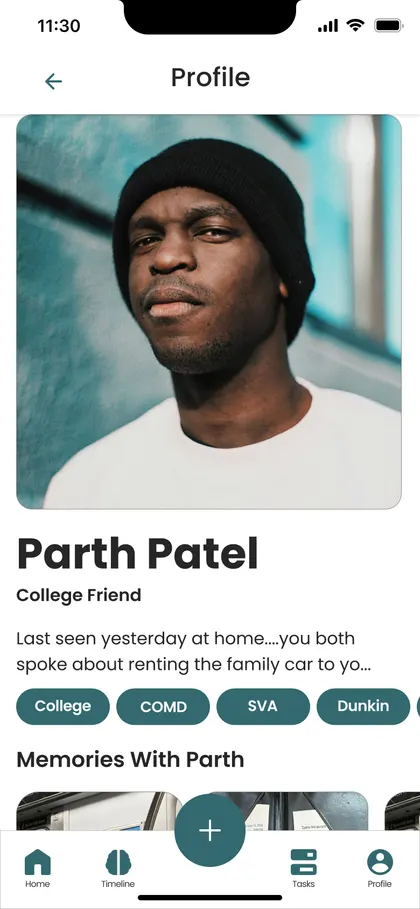
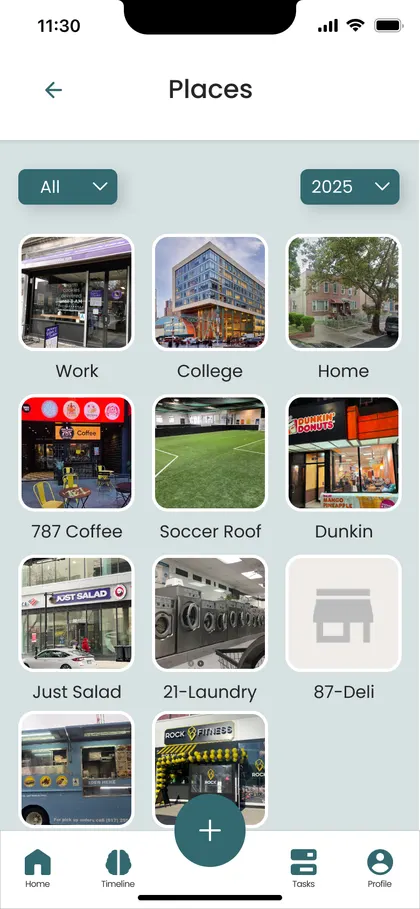
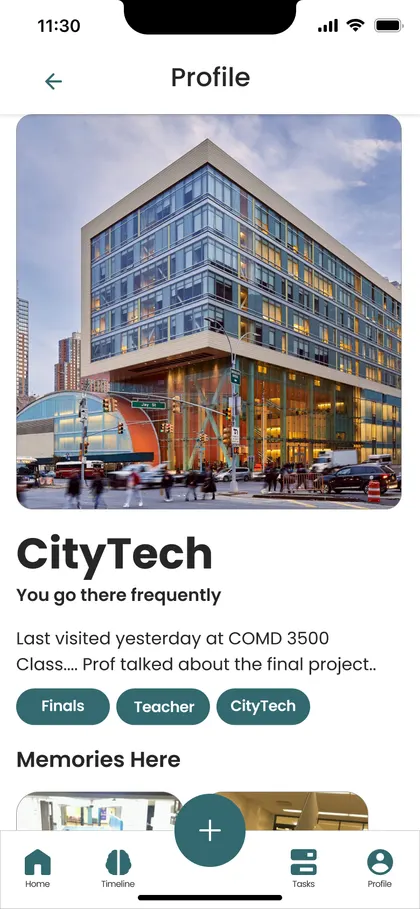
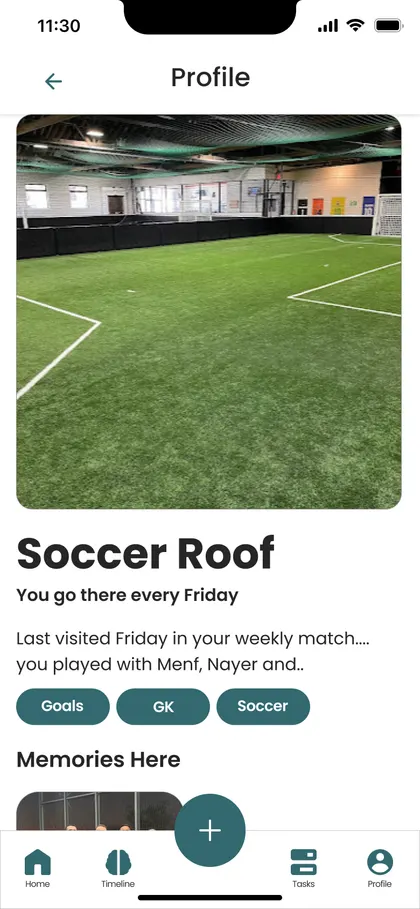
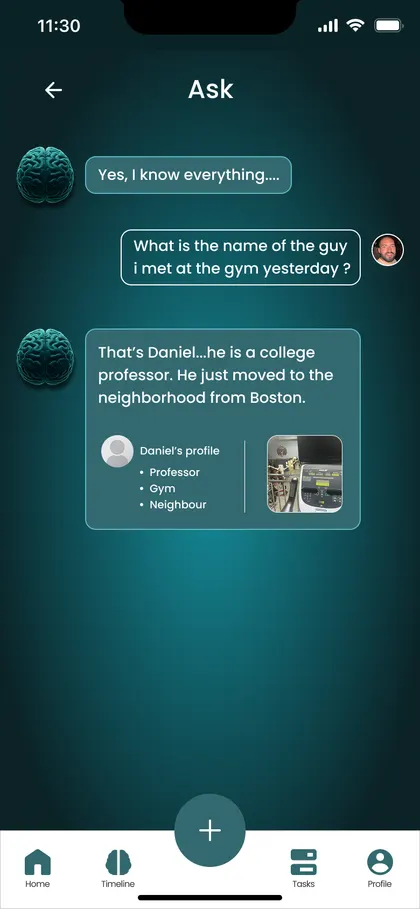
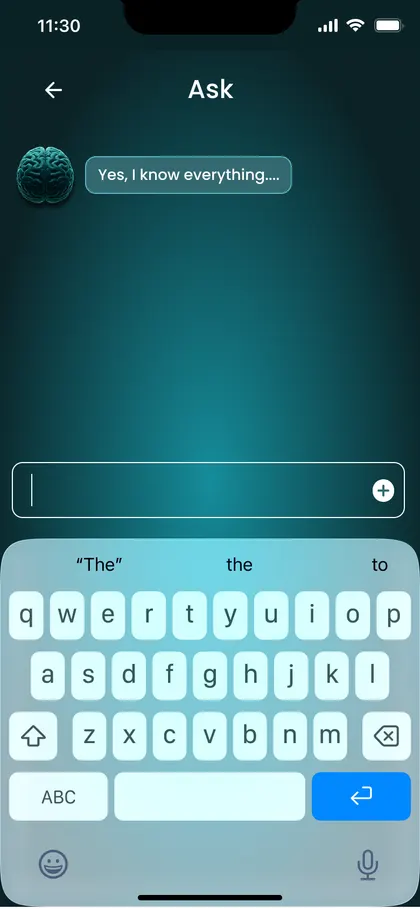
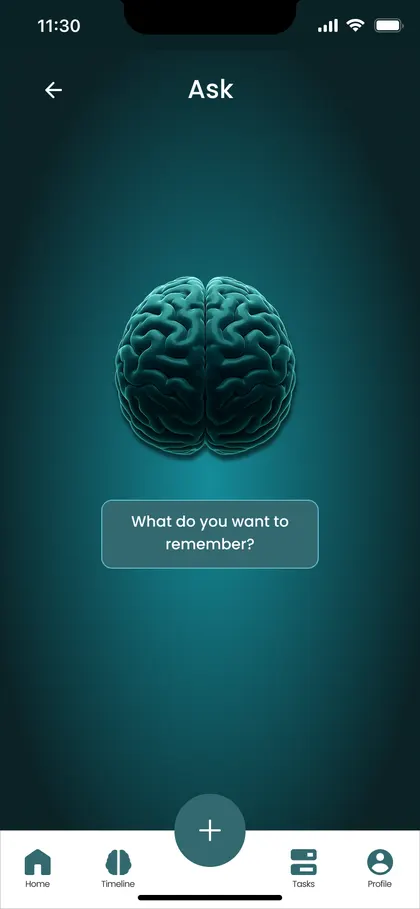
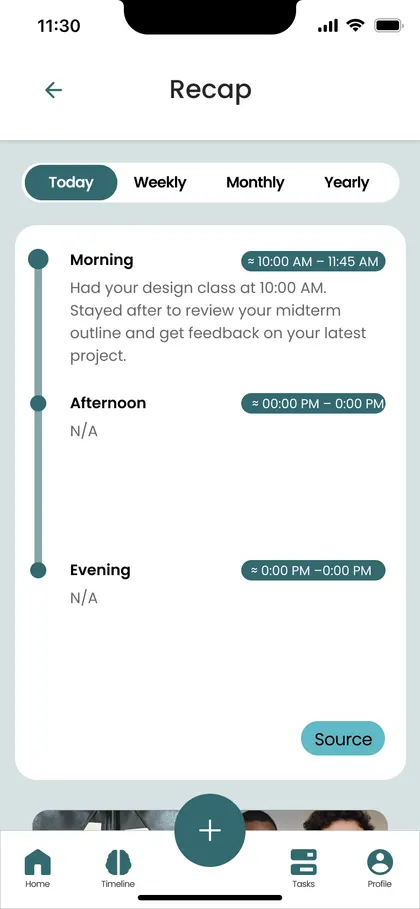
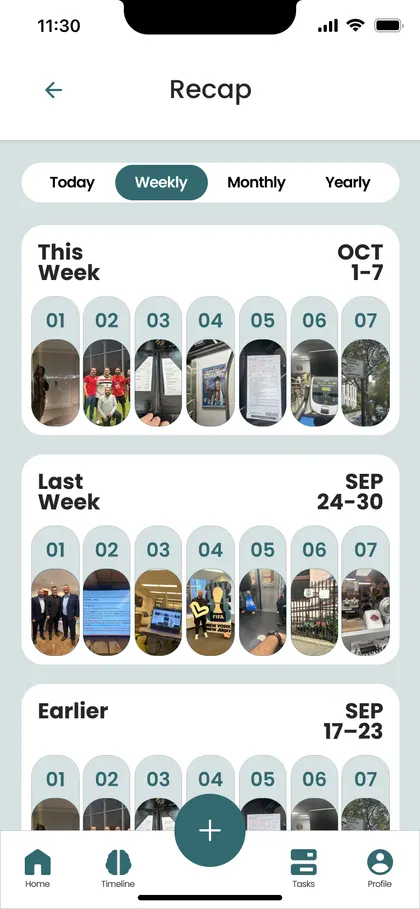
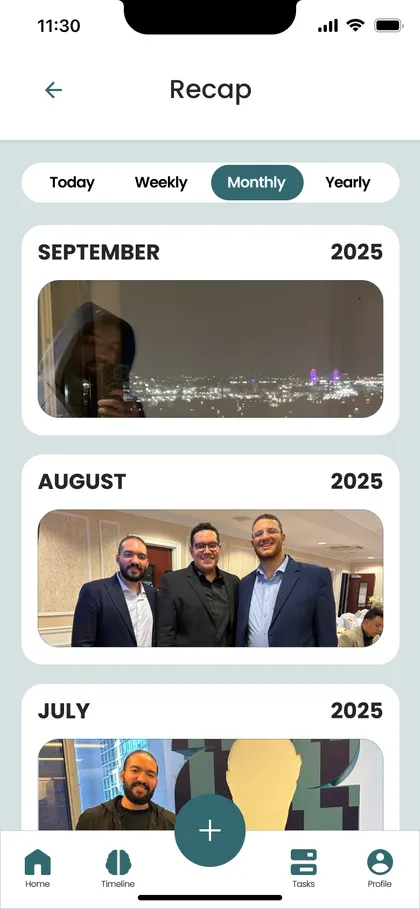
Once real data and real phones were involved, the concept had to grow up. The audience got sharper, the screens got simpler, and the position got clearer. From the App Store listing: Recall keeps your memory fresh, it doesn't replace it. It brings your days back to you so you remember them yourself.
They speak for 20 seconds, type one line, or let the app read their photos.
Designed around Egyptian Arabic, English, the mix of both, and "Franco" (Arabic in Latin letters).
Memories live on the phone, faces are recognized on the phone, and the server keeps nothing.
Anything the app works out on its own is stored apart from what you said, drawn differently, and worded as a guess. It only becomes real when you say yes. A memory app that makes up memories is worse than no app at all, and most of the hard decisions below come from this one rule.
Confirmed people get a solid avatar. A suggestion gets a dashed ring until you confirm it.
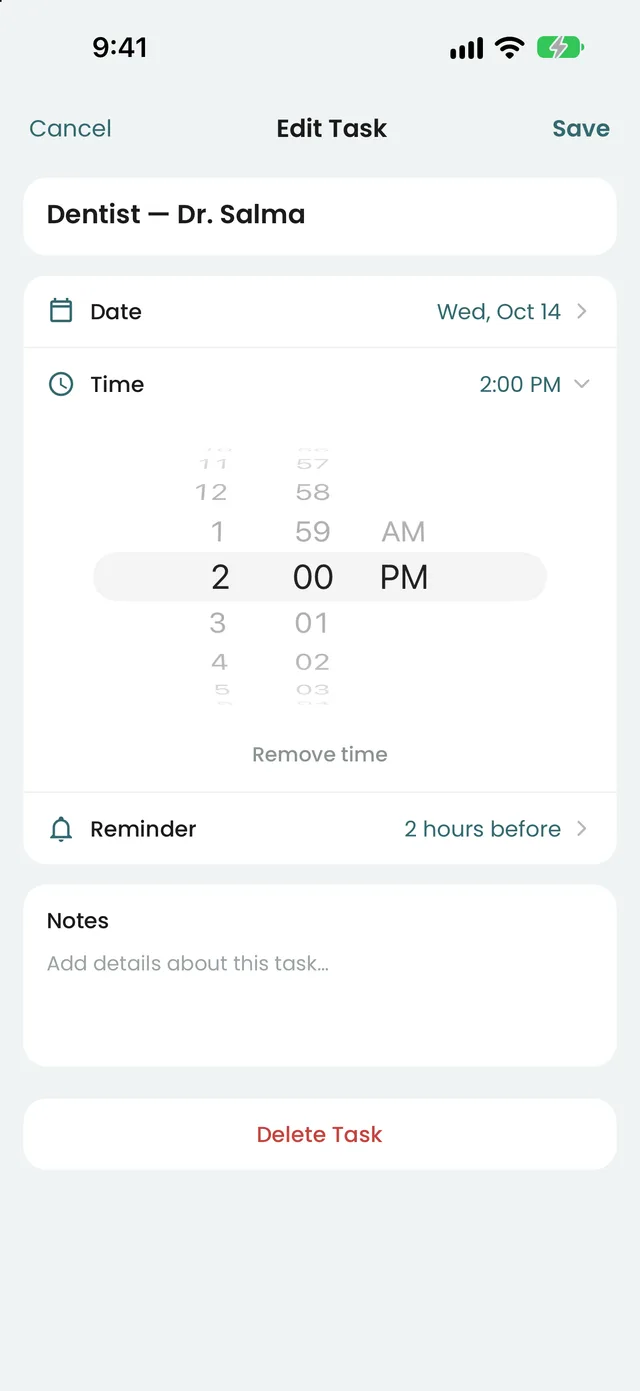
The task keeps the word you used, and the reminder comes at 1 pm. A made-up "3:00 PM" would be a guess shown as a fact.
Written down, a hedge is visible. Spoken aloud, a guess and a fact sound identical, so the wording has to do the work.
Clustering faces and naming sessions handed the user homework. My rule: if the app can do it quietly, it should. Now a person's profile photo is the only input, and Recall finds them in your other photos.
A reminder at the moment something happens is useless, so I removed the "Remind me" switch. A task with a time is reminded an hour before; a saved ticket, the evening before and two hours before. A wheel covers everything else.
The AI once turned "edy" (hand) into "ضهري" (back). Now voice notes are only cleaned as transcripts, and the original words and recording stay one tap away on the Source page.
The flight through the 3D brain looped for the whole call and was noisy. Cards for the days, places and people Recall is talking about are more useful, cost no extra wait, and let the brain stay calm.
Photos taken within 70 meters become one place, its cover is your best photo from there, and its name comes only from you. Nothing about where you go leaves the phone.
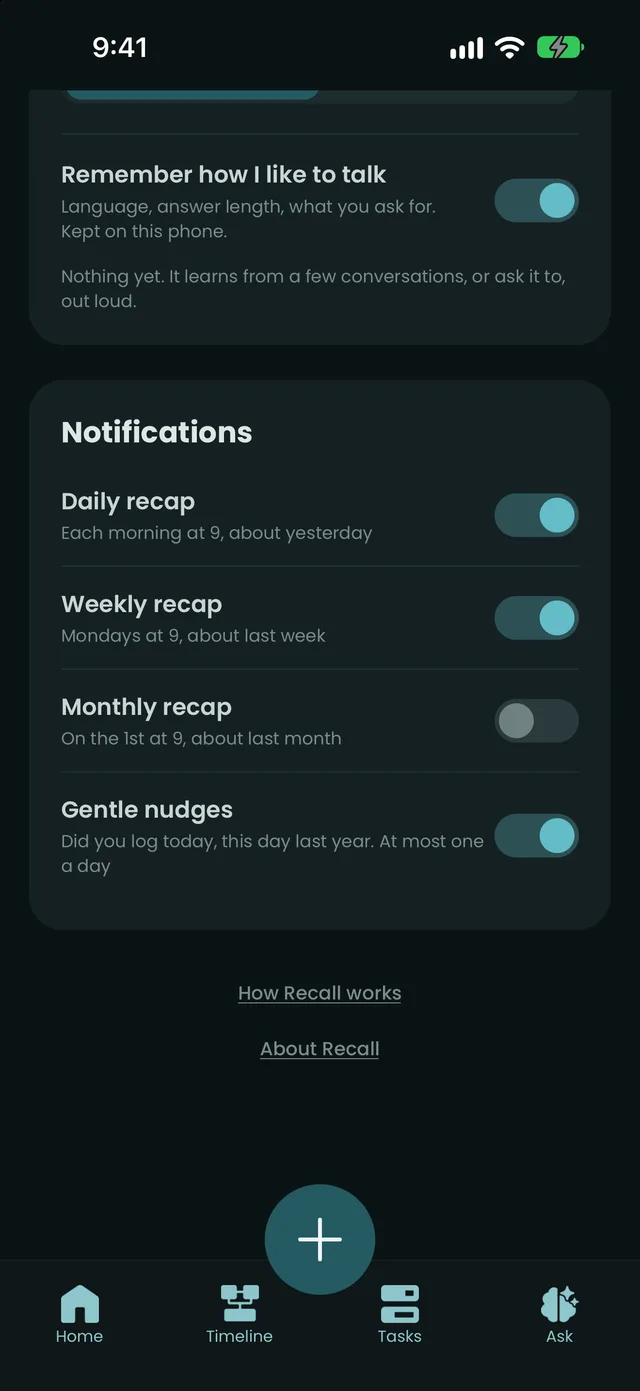
Anyone near your phone can read the lock screen, so it says "Remember your Tuesday? 5 moments from yesterday", never a name, place or note.
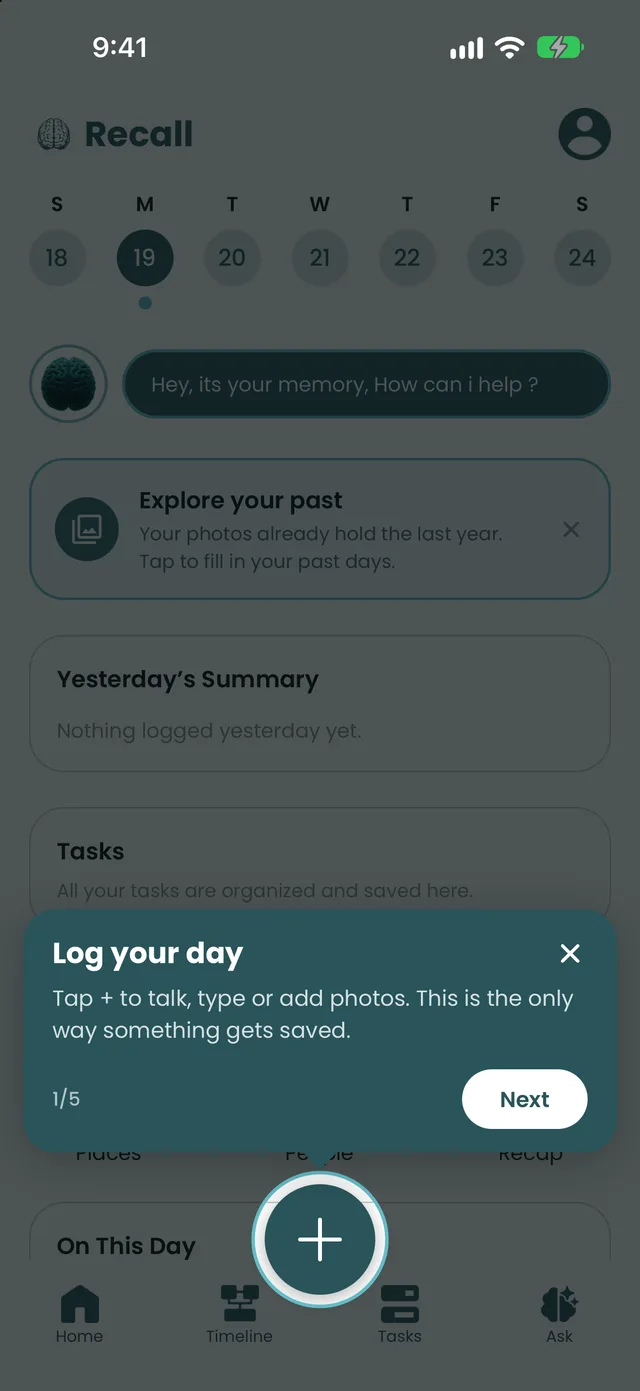
A tester thought live voice would save what he said. It never does. Five tips now sit on the actual Home screen, and one says plainly that the + button is the only way to save.
 01 · Logging
Tap + and three bubbles open: Talk, Type, Upload. Or hold, slide to a bubble and release, with haptics. Speak in any mix of Arabic and English, type one line, or add a photo, ticket or PDF.
One step turns raw words into a clean memory and pulls out tasks, people and places.
02 · Home
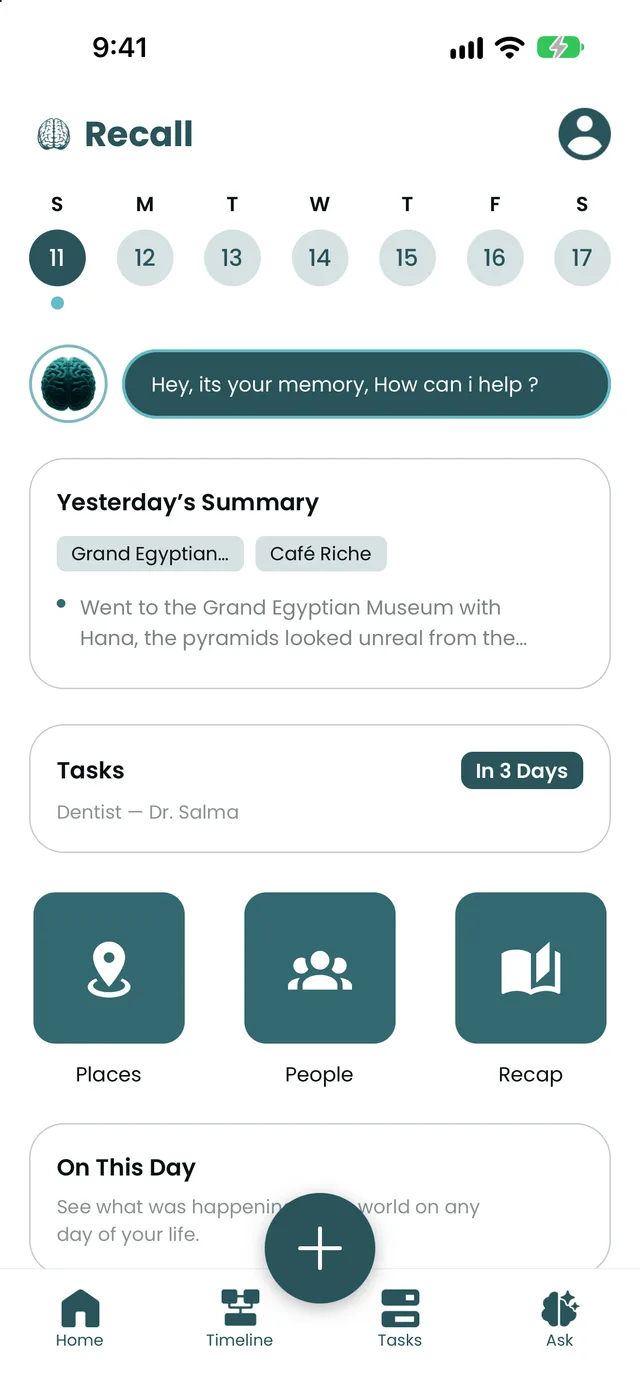
A week strip where a dot means "you logged", the Ask pill, yesterday's summary, your next task, and tiles for Places, People and Recap that show your own photos and change daily.
03 · Day page
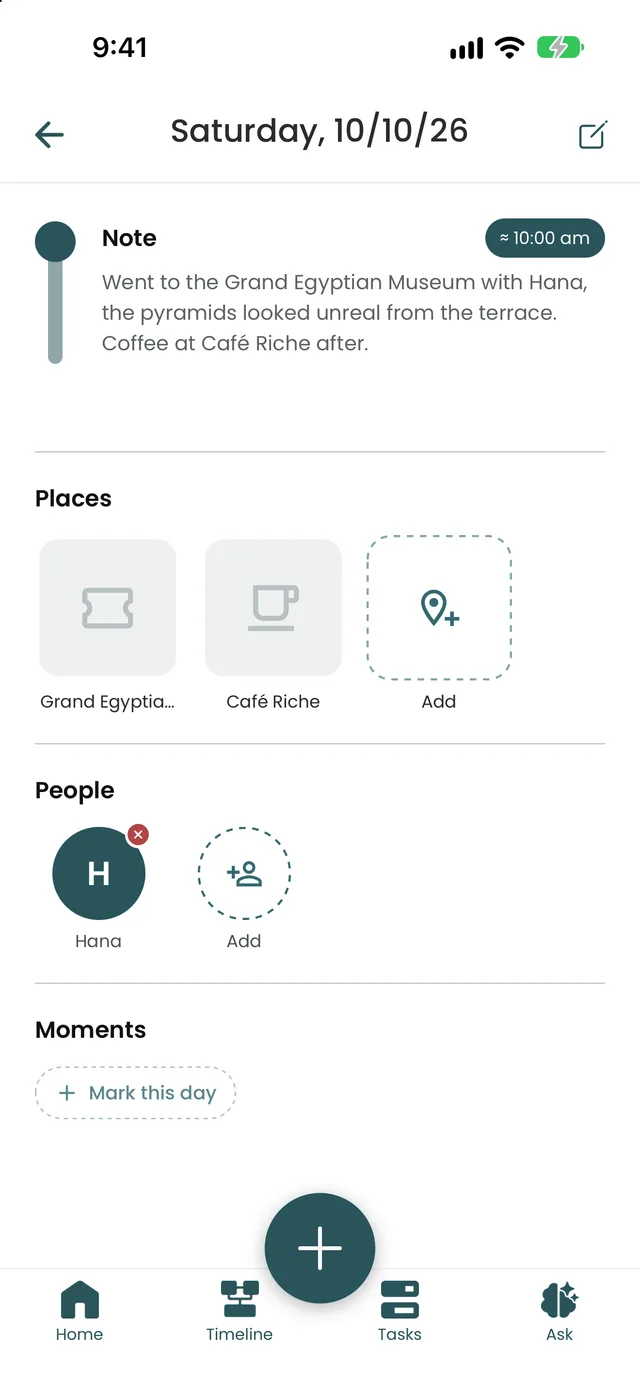
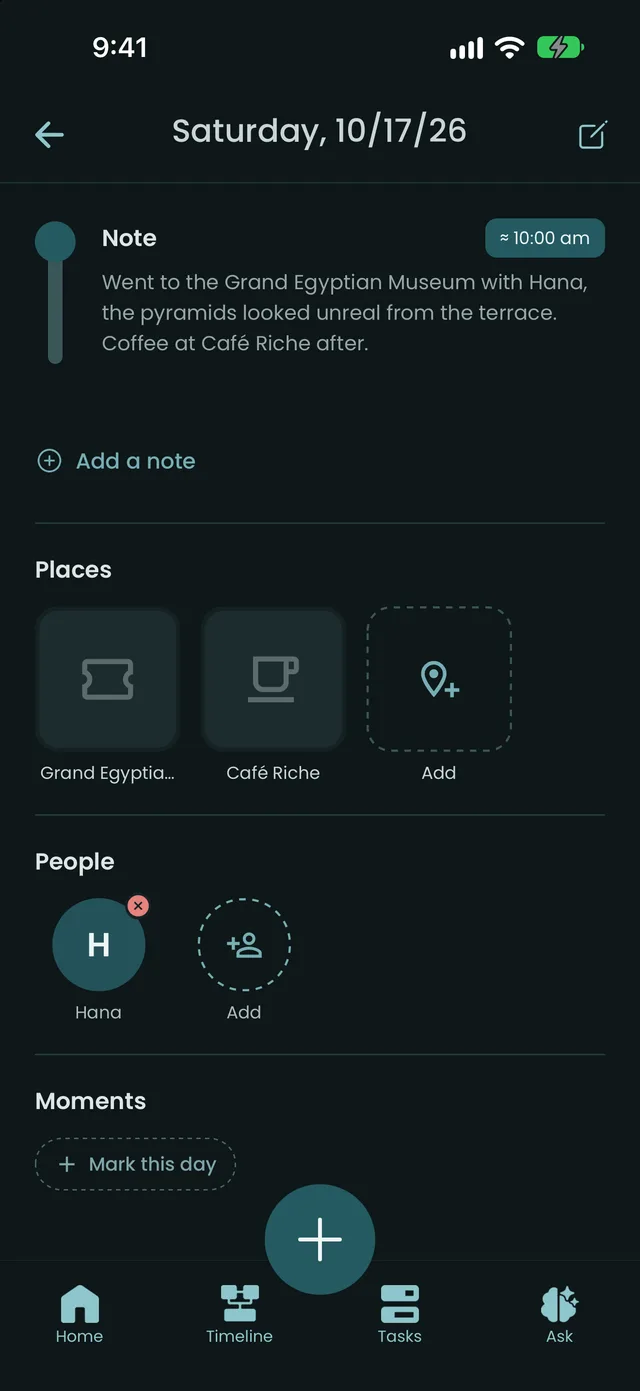
"Add a note" is always there. Tap a note to edit it, tap a time to set it yourself, and reorder or remove places. Once you set a time by hand, the AI never moves it again.
04 · Timeline
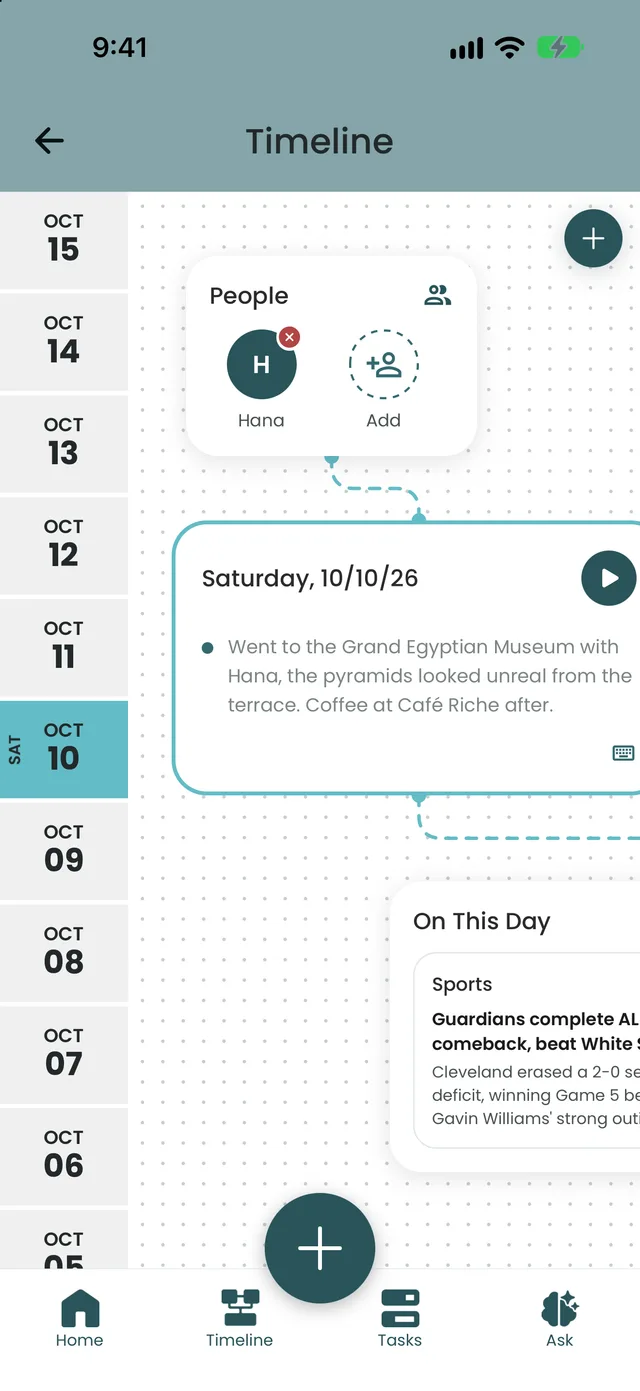
Notes, photos, people, places and small moment icons sit on one canvas. Hold a card to move it and the lines follow. Zoom out to see the shape of a week.
The connected thread from the 2025 concept, now real and editable.
05 · People
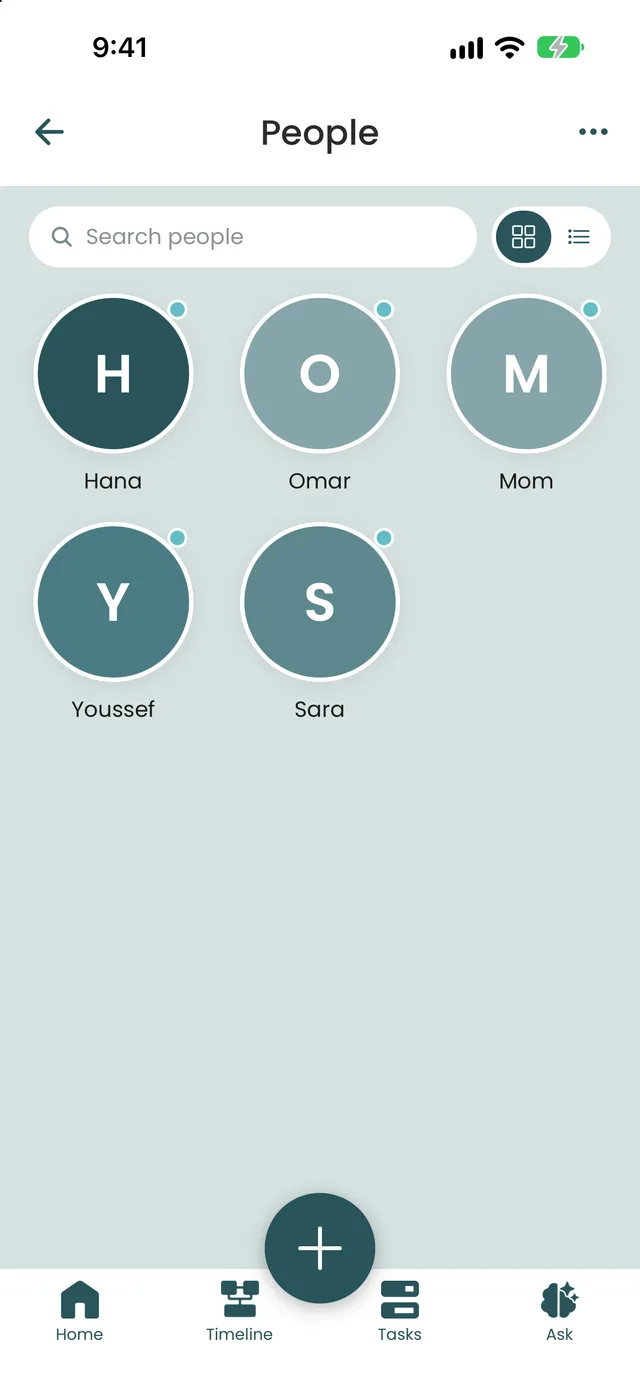
Faces, search and nicknames ("الكتش" and "Ketch" are both Omar). The count of days together only counts days you confirmed.
06 · Ask
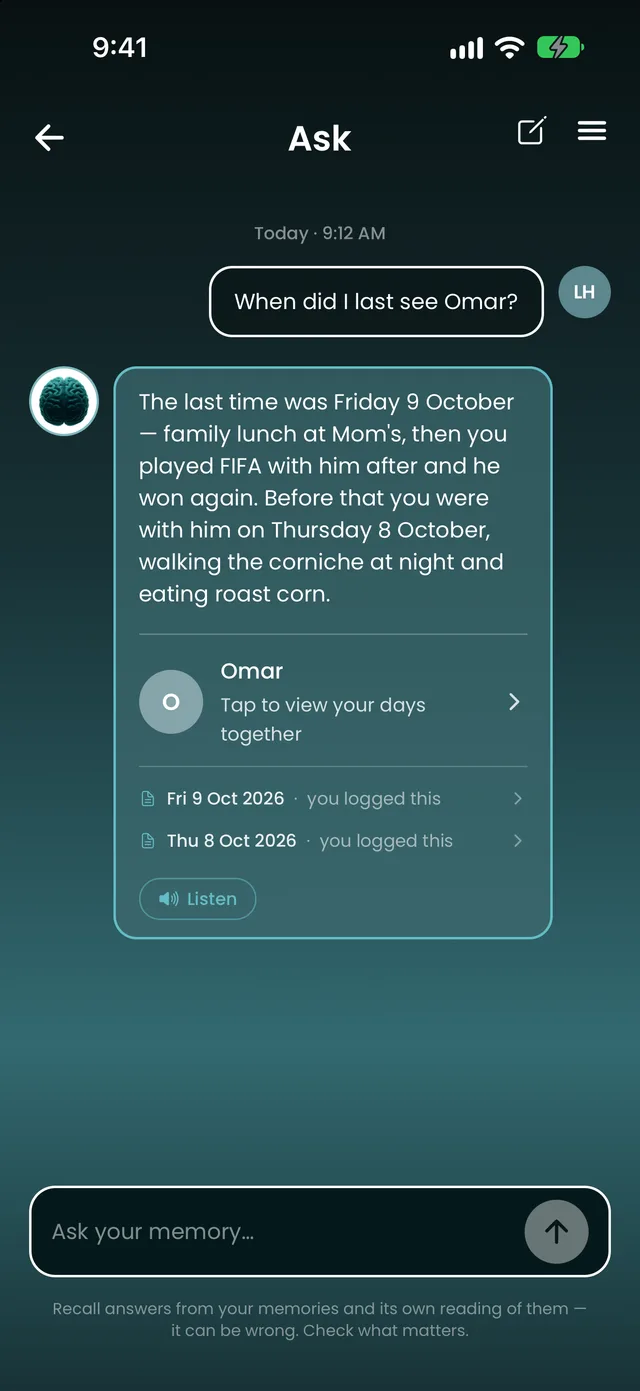
"When did I last see Omar?" Answers come from your own days, with the days used one tap away. It searches English and Arabic at once, and it never dead-ends: it offers the closest day and asks "is this it?"
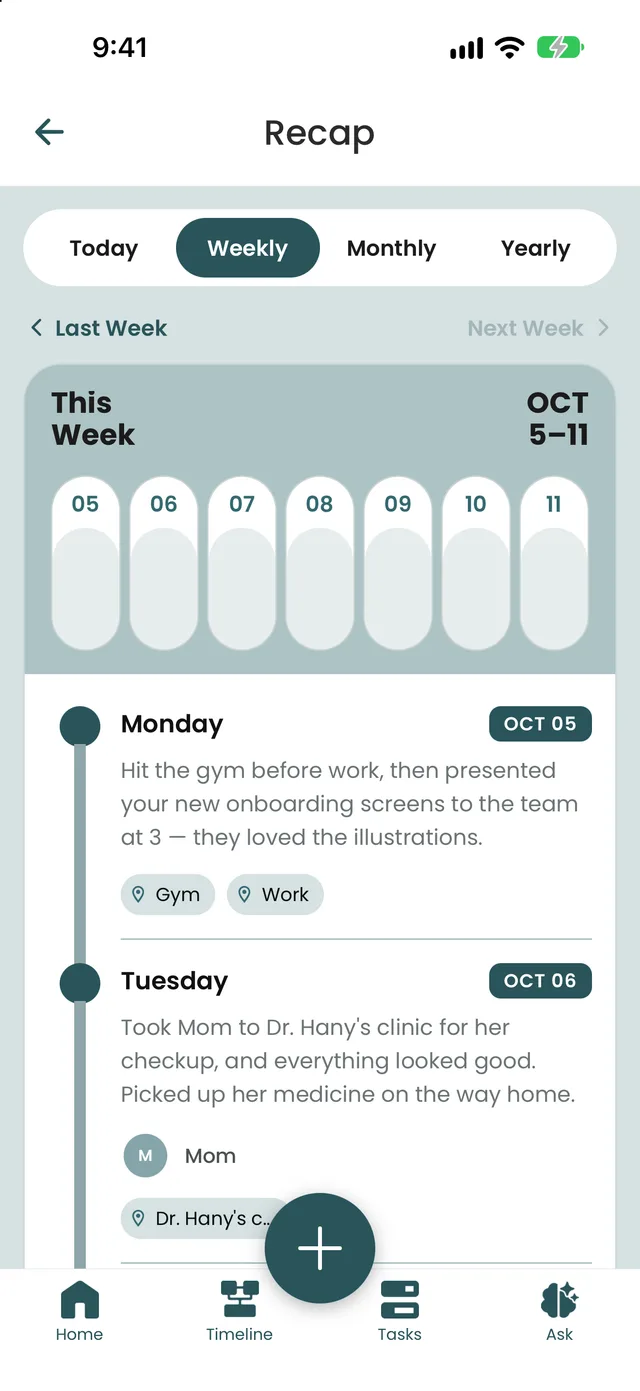
07 · Recap
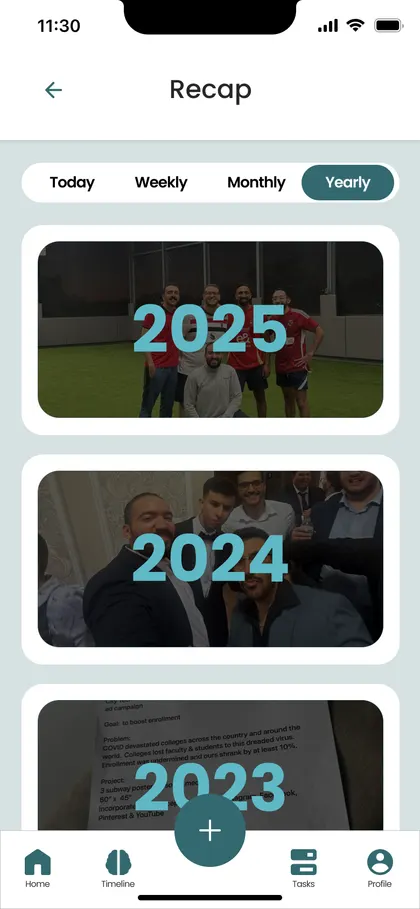
Key events for any period, with a photo slideshow for months. A "Positive Focus" switch keeps painful moments out of recaps, while the Timeline and Ask keep everything.
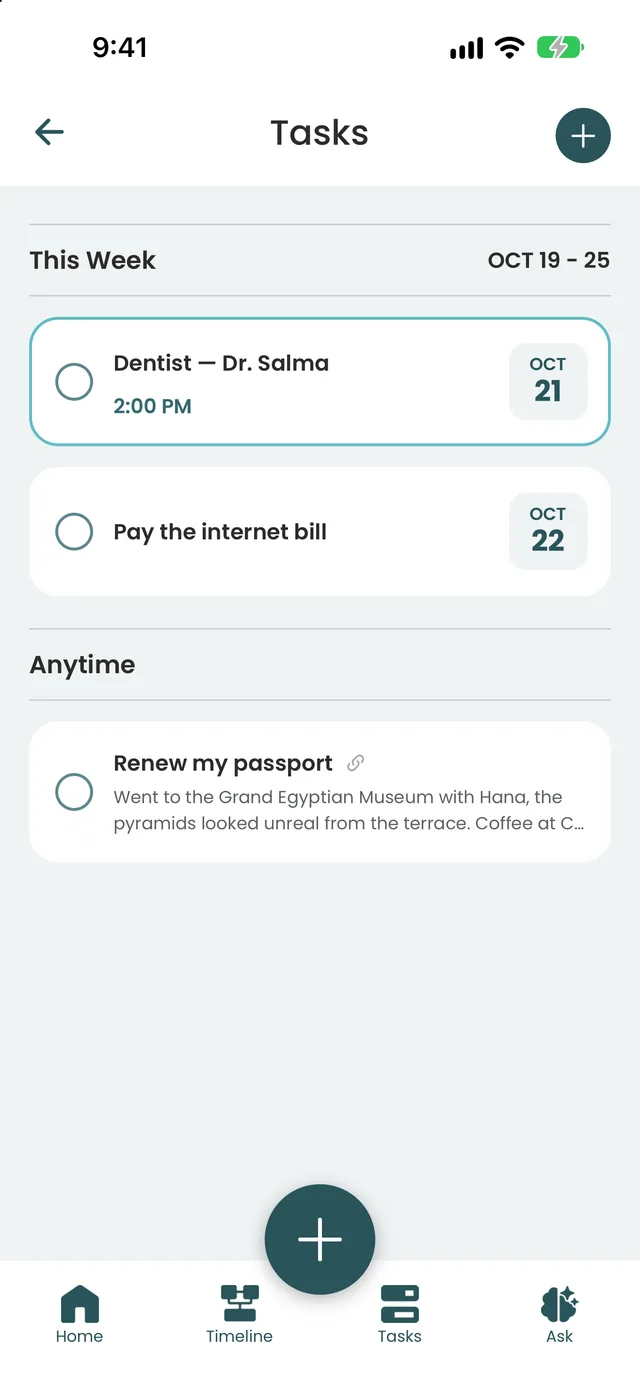
08 · Tasks
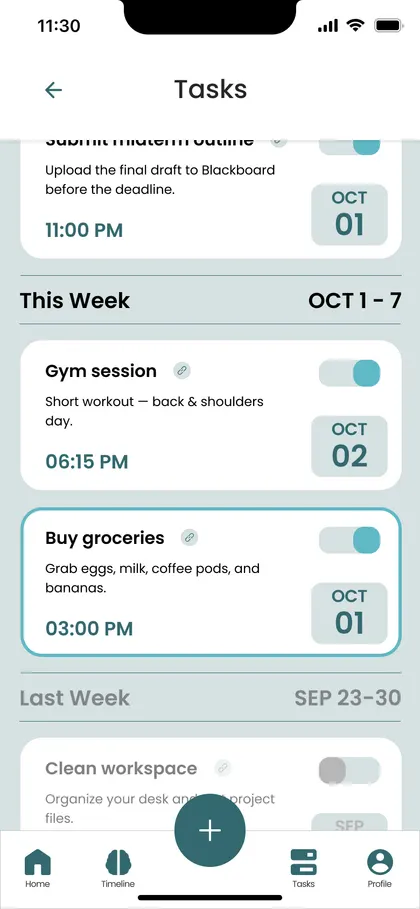
"Dentist Thursday at 2" becomes a task. Open tasks first, soonest first, a tick circle to finish, swipe to delete with Undo. Reminders set themselves.
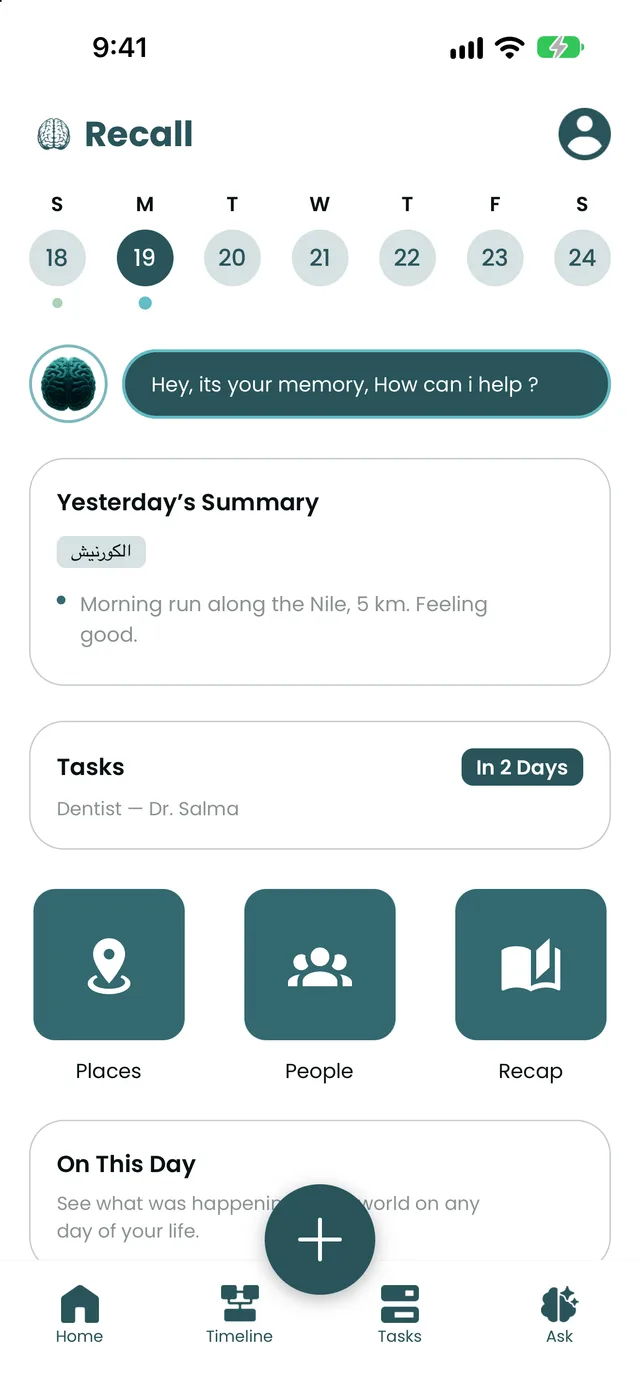
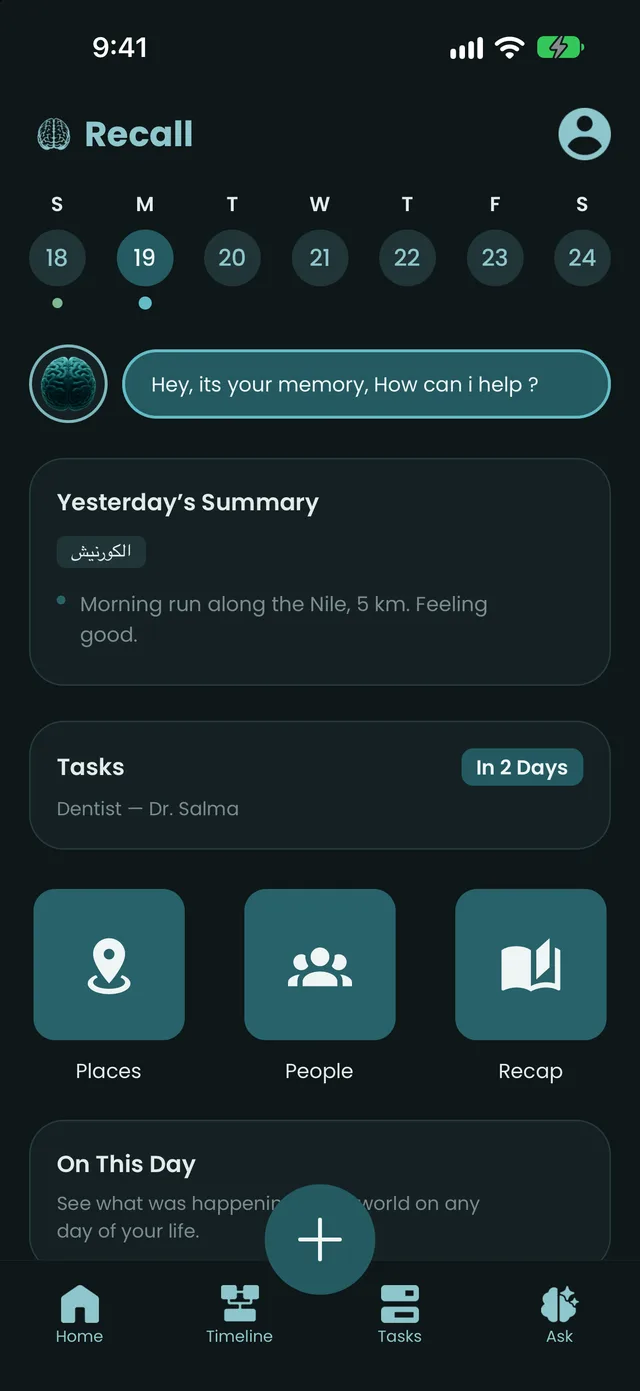
Inverting colors is easy. A good dark mode is designed. I set the rules first so that no screen could drift:
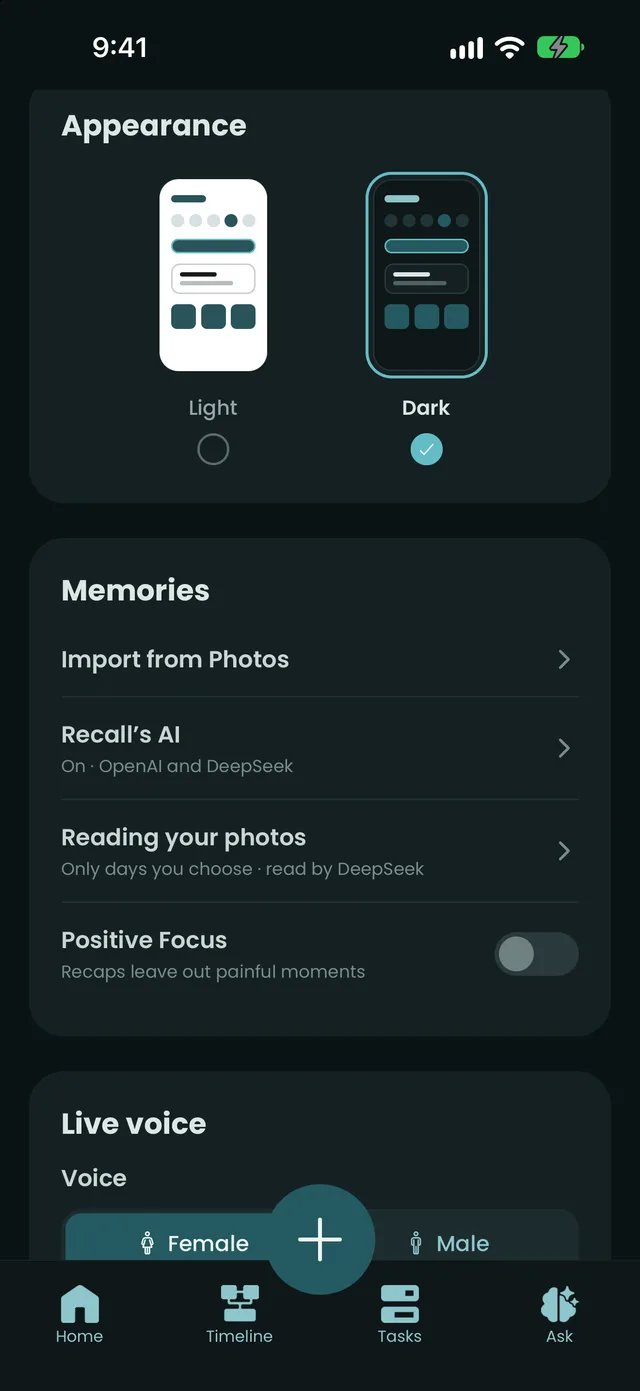
I built Recall with Expo and React Native, pairing with an AI coding assistant: I directed, designed and tested every change on my own phone, every day. 175 commits since 1 July 2026. Every AI call goes through Recall's own small server, so no AI key ships inside the app and the server stores nothing.
Turns raw words into a clean memory, and pulls out tasks with dates, people and places.
Off until you say yesMy first version asked an AI language model to compare faces. Told that glasses prove nothing, it still matched two different strangers to the same person: "round glasses, similar." A language model describes a face; it never measures one. I rebuilt it on the phone, tested it on 117 photo pairs from my own library, and every match is still only a suggestion.
The default stopped Recall at any sound, even a cough. Now the words decide: "yeah" lets it carry on, "wait" or "استنى" stops it. In my third test log it stepped aside correctly 15 times. My note afterwards: "a big improvement in interruption."
Notes are in Arabic, questions come in English, and English never matches Arabic text. Every day now has search tags in both languages, nicknames resolve to the real person, and a place stands for what you usually do there: "when did I last play football?" finds a day that only says "went to the pitch."
AI is off until you say yes, and that's enforced in one place in the code. Faces, places and private-photo checks run on the phone. A photo flagged as private is never stored, shown or sent. The lock screen names nothing.
A real-time spoken conversation about your past, in Egyptian Arabic, English or both. It looks things up as you talk and shows cards for what it's talking about. It is read-only: told something to keep, it says in one sentence that the + button saves things.
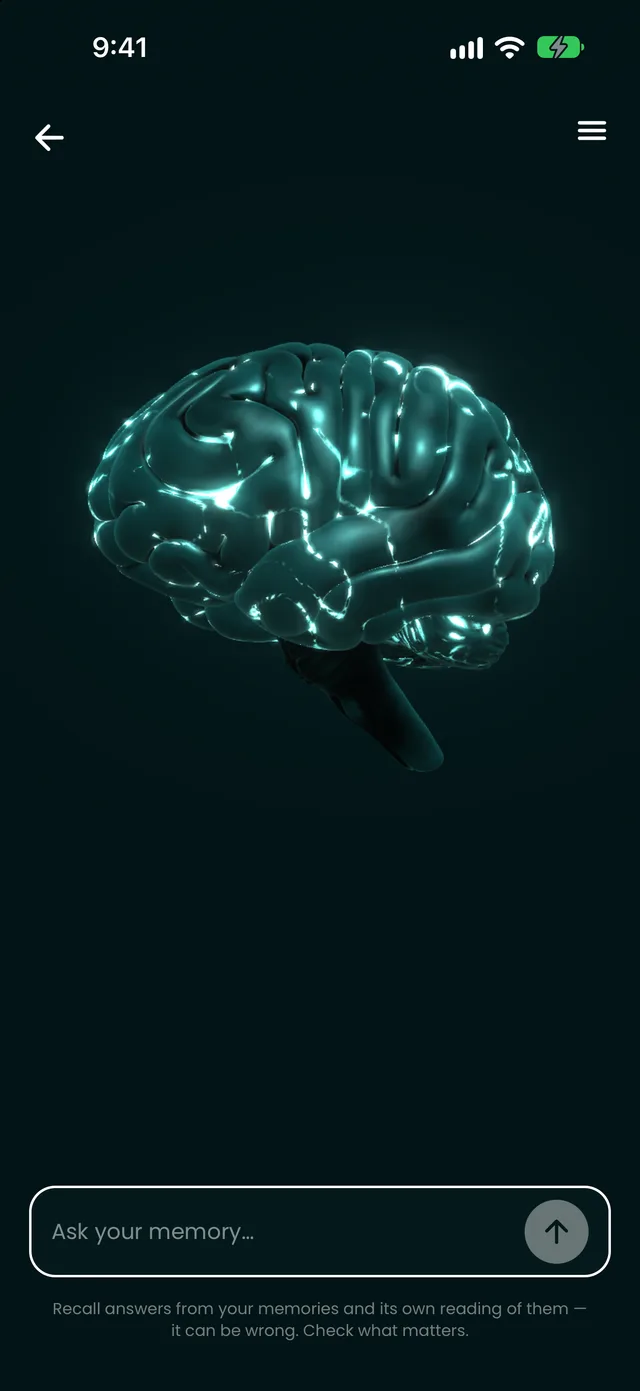
That phone is running the actual 3D brain from the app, live in your browser.
3D model: "Human Brain" by agher08 on Sketchfab, CC BY 4.0. Lighting, motion and voice reaction are Recall's.
A tester thought live voice would save what he said and make tasks from it. It never does.
→The Home tour gained a step saying + is the only way to save, and Ask and live voice now say so when told something to keep.
Live voice was too quiet: it played through the earpiece.
→It now plays through the speaker.
On new installs, photos were filed two or three times, because two imports ran at once.
→Imports now run one at a time, and duplicates were cleaned up on every phone.
An update turned off every AI feature on testers' phones: it shipped without the server address.
→Fixed the same day. Publishing now follows a checked procedure.
My own testing: someone I was with at one place was shown as being with me at every place that day.
→"Same day isn't together." Recall only says "with" when a note or photo puts you together.
My own testing: photos from the end of a night out landed on the next day.
→Until 4 am, a new note or photo belongs to the night that's still going.
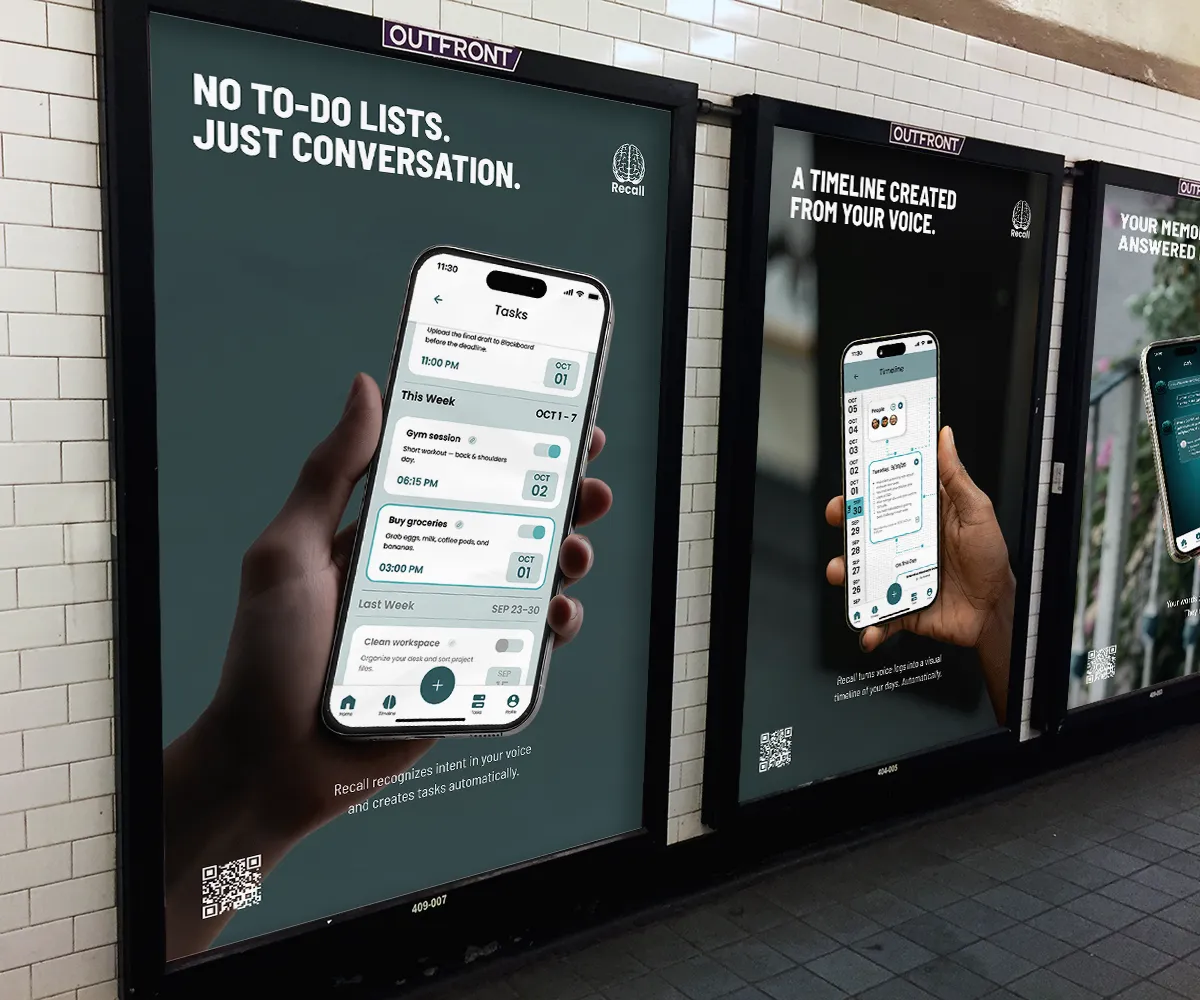
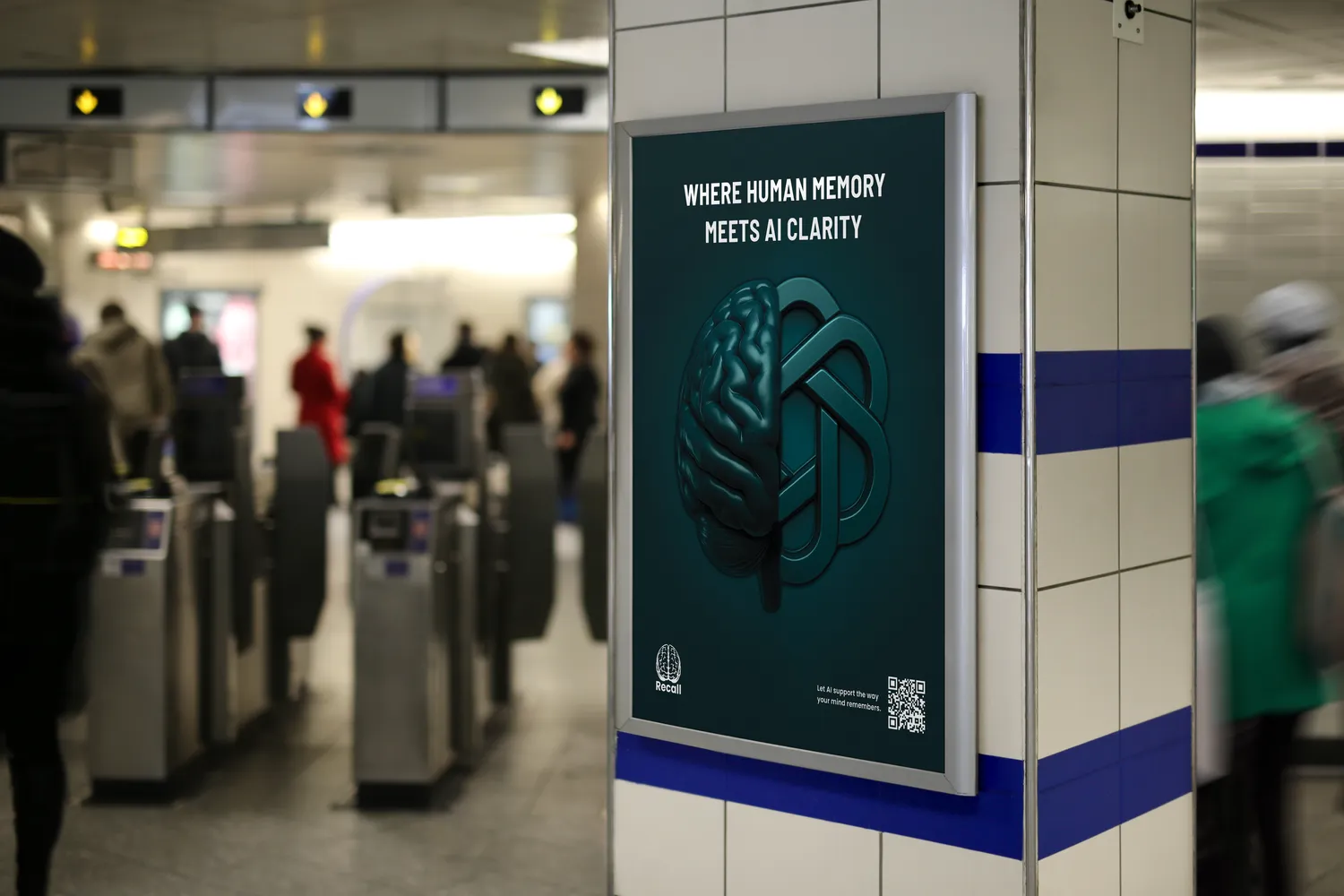
During the capstone I used my art direction background to develop two campaign concepts. One sells the idea ("Where human memory meets AI clarity"), the other the product ("No to-do lists. Just conversation.").