Problem
City Tech is a commuter school. The ride to campus is long, often without signal, and mostly spent scrolling, sleeping or stressing. It's a big part of student life that nobody designs for.
City Tech students spend 30 to 90 minutes on the train every day, and nobody designs for that time. At the AI Design Hackathon, three of us went from brief to pitch in under 24 hours, and won 2nd place.
City Tech is a commuter school. The ride to campus is long, often without signal, and mostly spent scrolling, sleeping or stressing. It's a big part of student life that nobody designs for.
The challenge came from City Tech's Communication Design department and Designpreneurs Hackathon. Talk to real students, focus on one problem, and use AI to sharpen the thinking, not replace it. The brief was just as clear on what not to do: don't try to solve the entire MTA, and don't build a generic chatbot.
How might we redesign the City Tech commute so the time between home and campus works for students, not against them?
How the judges scored it
The concept counted for 40% of the score, and the brief reminded us that subway riders give you seconds, not minutes. So we spent our limited hours on one clear idea a stranger could get at a glance.
Make the commute work for City Tech students.
Quick interviews with real City Tech commuters.
A citywide system of kiosks and hubs.
Smaller, offline-first, inside the train car.
Screens, AI storyboard, AI film and voiceover.
Presented to the judges. 2nd place.
Everything on this page was made in under 24 hours, and it shows in places. The screens are first passes, the research was a handful of quick conversations, and the film was cut against the clock. What we optimized for was one clear idea, grounded in real students, that judges could understand in seconds.
Following the brief, we spent the first part of the hackathon talking to City Tech students. Three questions: what do you do on your commute, what would you actually use, and would you rather relax or be productive?
The ride is mostly passive. Music, scrolling, sleeping, waiting. The time is there, it just isn't designed for.
Every day needs something different. Some students want to switch off. Others want to get ahead before an exam.
It's emotional. Commuting can feel draining and isolating, and music or sleep is how many students cope.
No signal underground. Any digital tool for the subway has to work offline.
A student told us they lose service on the train, which a network of kiosks couldn't fix. And the brief warned against trying to solve the entire MTA. A QR code in a train car plus an offline sync is small enough to actually deploy, and it answers the problem students really described.
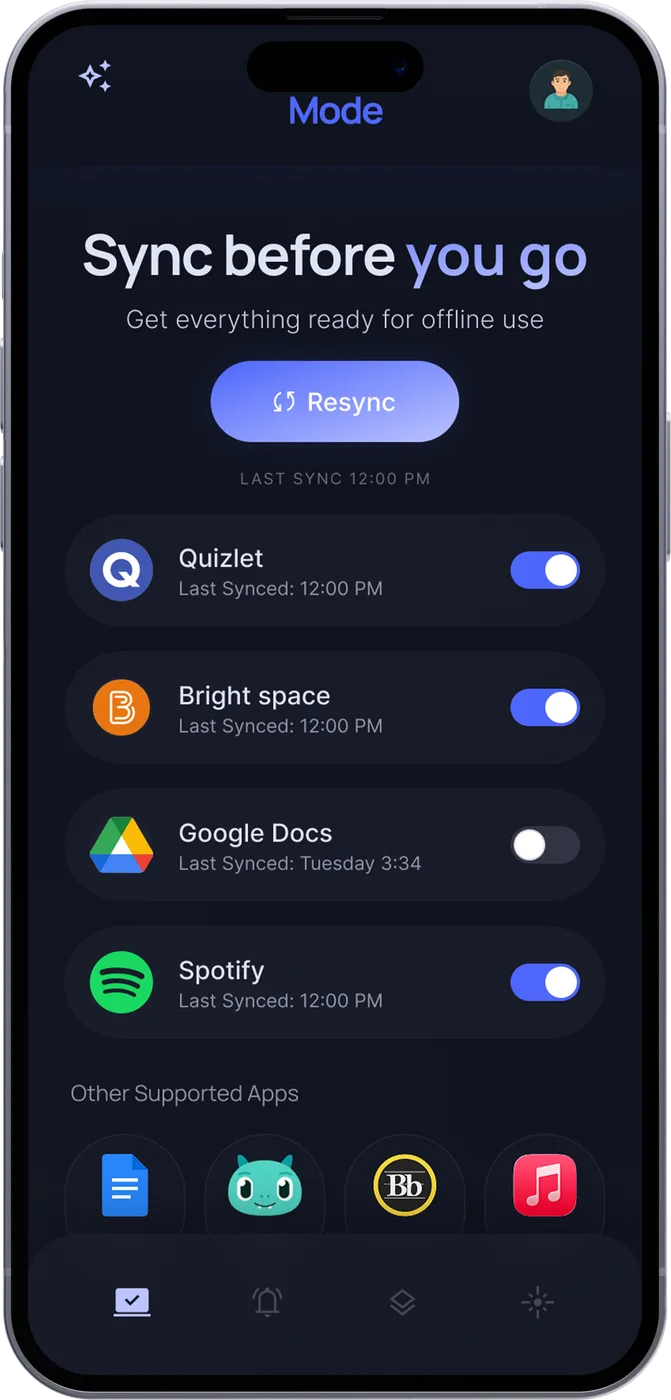
One tap downloads notes, flashcards, schedules and playlists from the apps students already use. Everything works underground with no signal: our direct answer to "I lose service on the train."
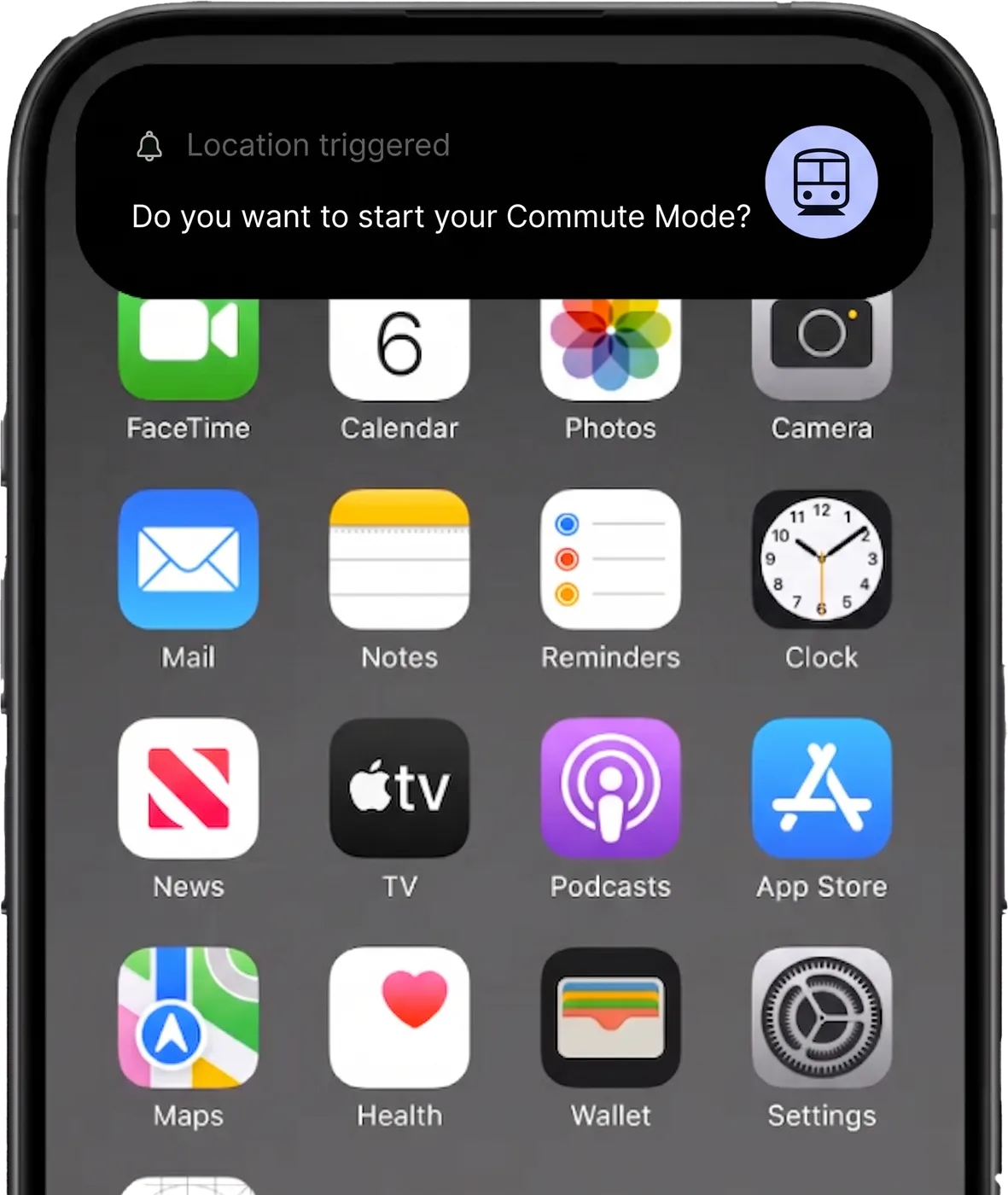
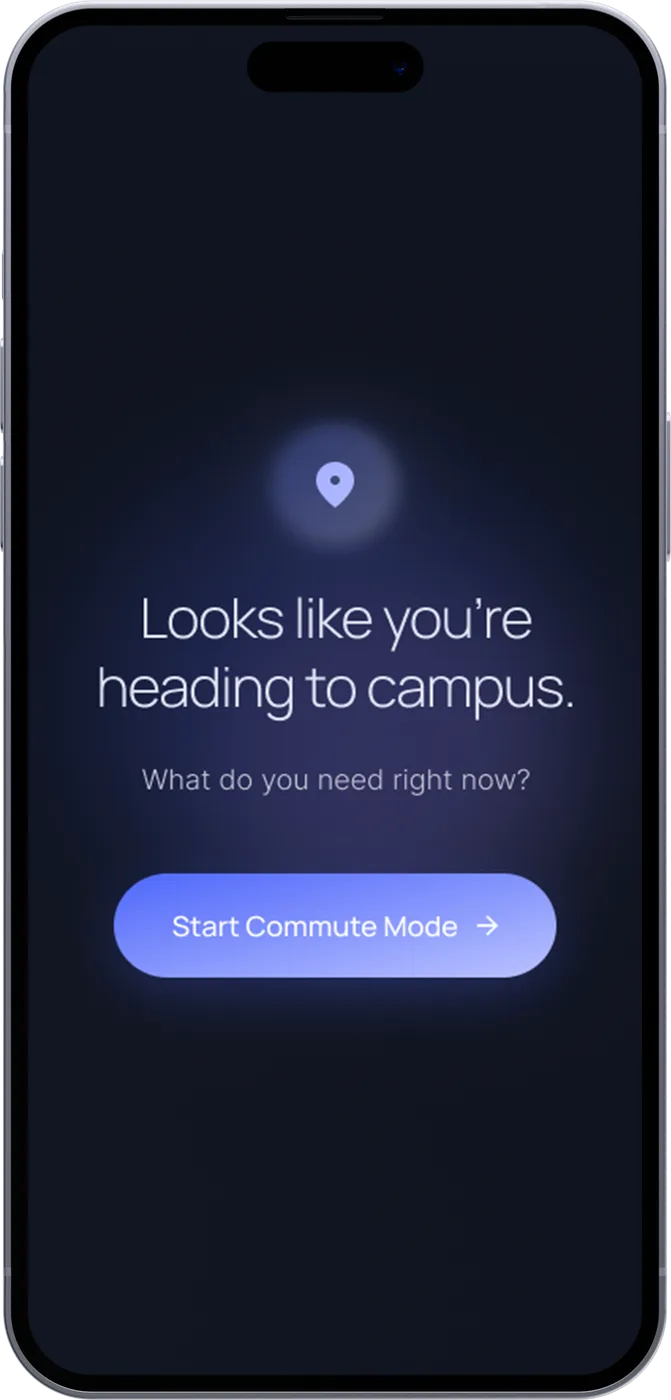
Near the station, a gentle prompt asks if you want to start Commute Mode. No app to remember to open at 8 a.m.
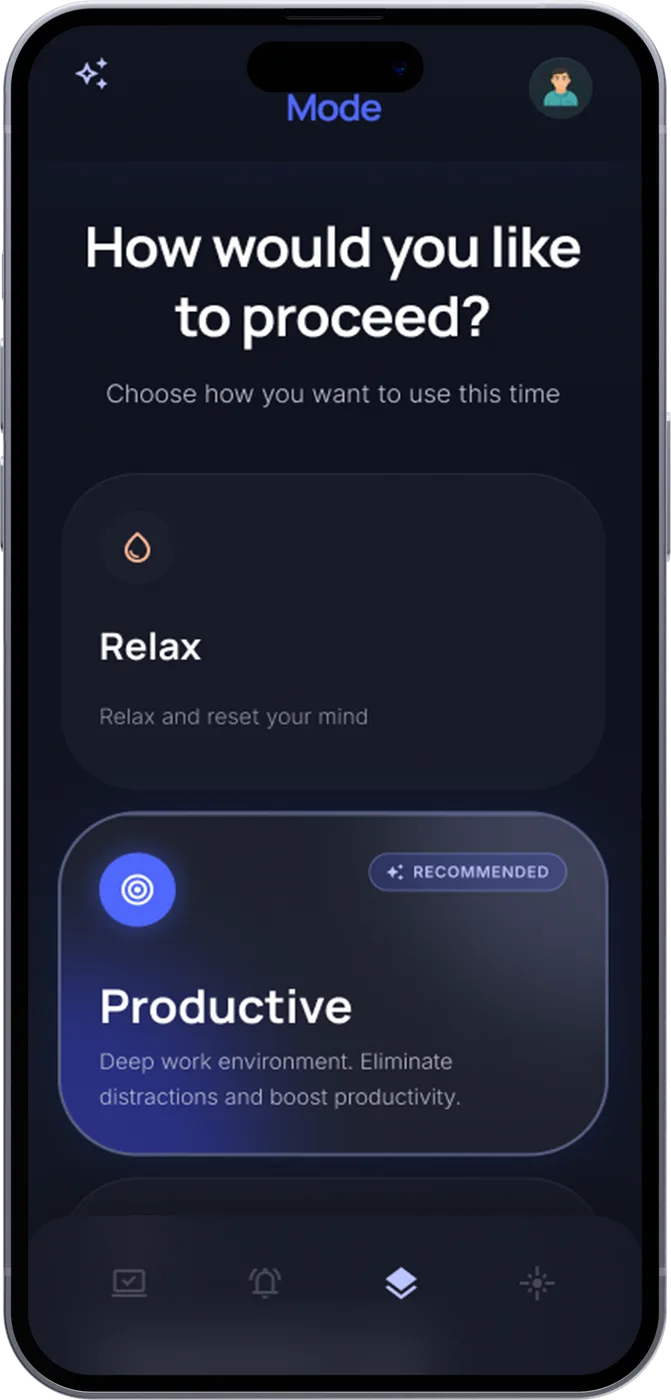
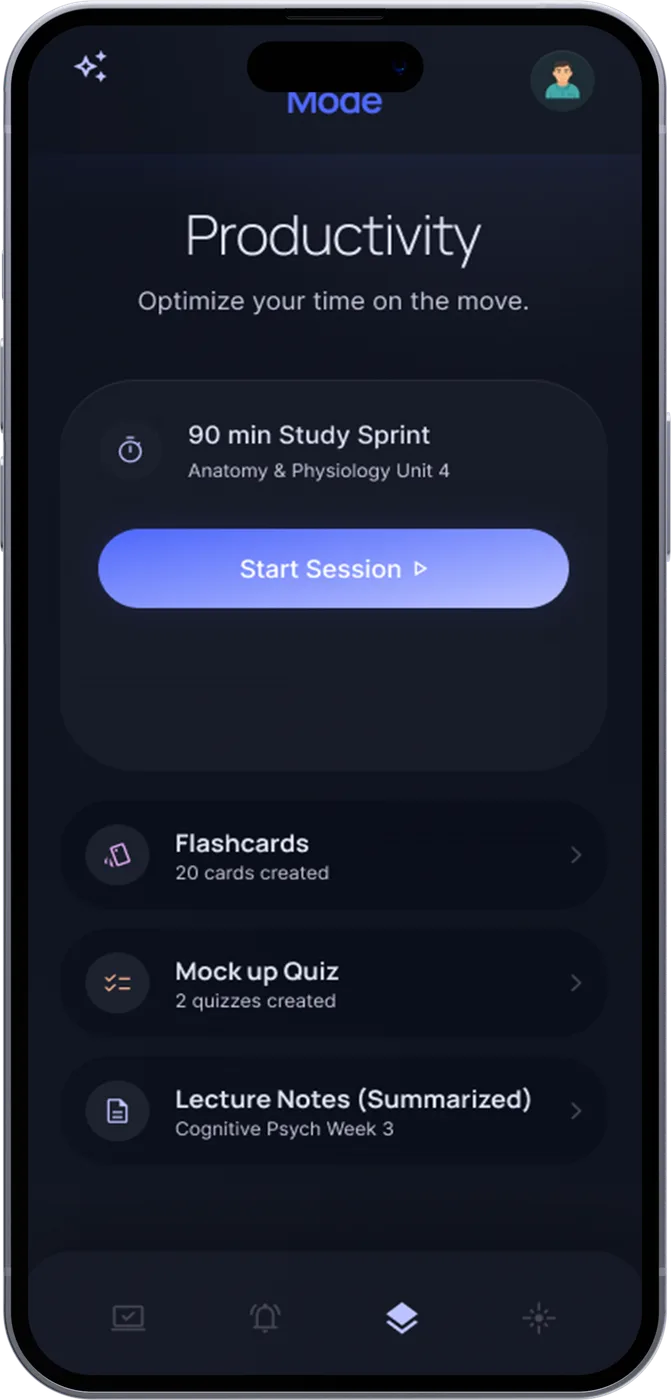
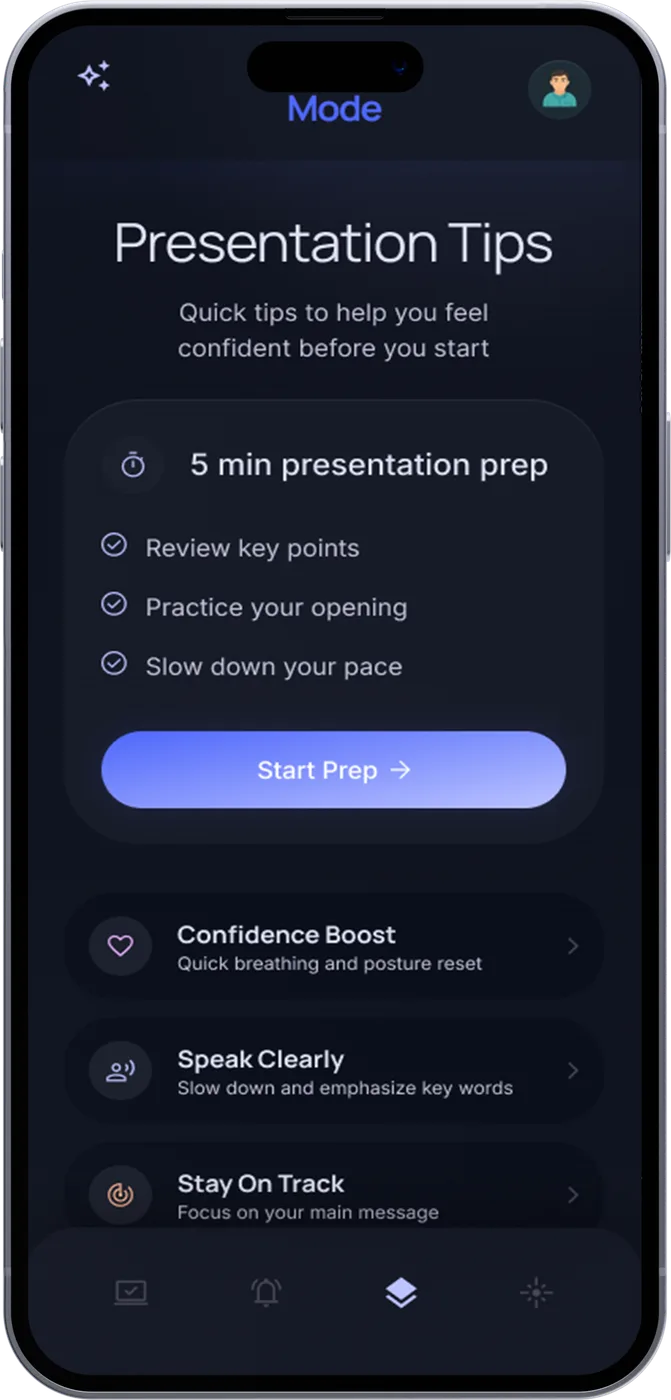
A QR code by the door opens the session. Relax, Prepare or Productive, each one sized by AI to how long your ride is. Anonymous signals like "6 City Tech students are on this train" make the ride feel less lonely, without showing anyone's name.
Same train, same 45 minutes. But this time you walk into class having reset, rehearsed or reviewed, instead of scrolling.
Where AI actually helps: not as a chatbot, but in timing. A 15-minute ride gets quick flashcards or a breathing reset. A 90-minute ride gets a real study sprint. A presentation on your calendar pushes Prepare to the top. Midterm week changes what's recommended.
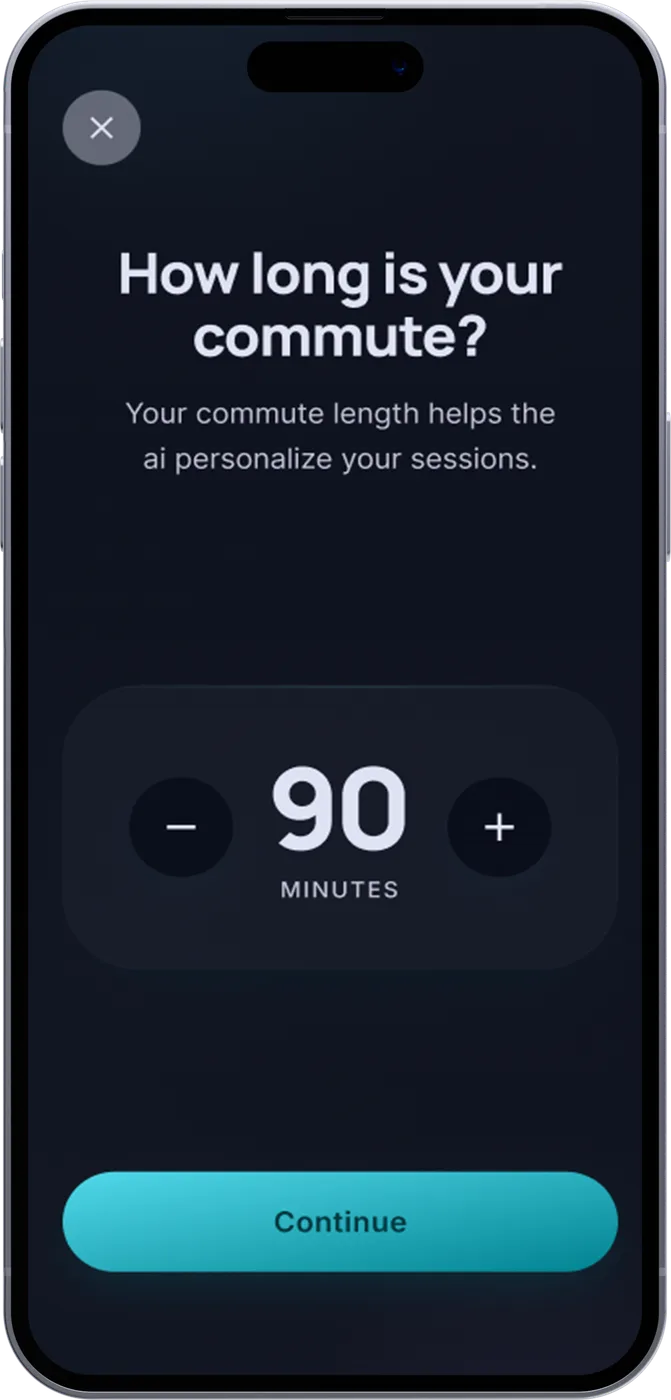
My first part. I designed every screen of the app: onboarding, the ride-length picker, Sync before you go, the station prompt and all three Ride Modes. A calm, dark interface made for a crowded train at 8 a.m.: one decision per screen, big tap targets, nothing to read twice.
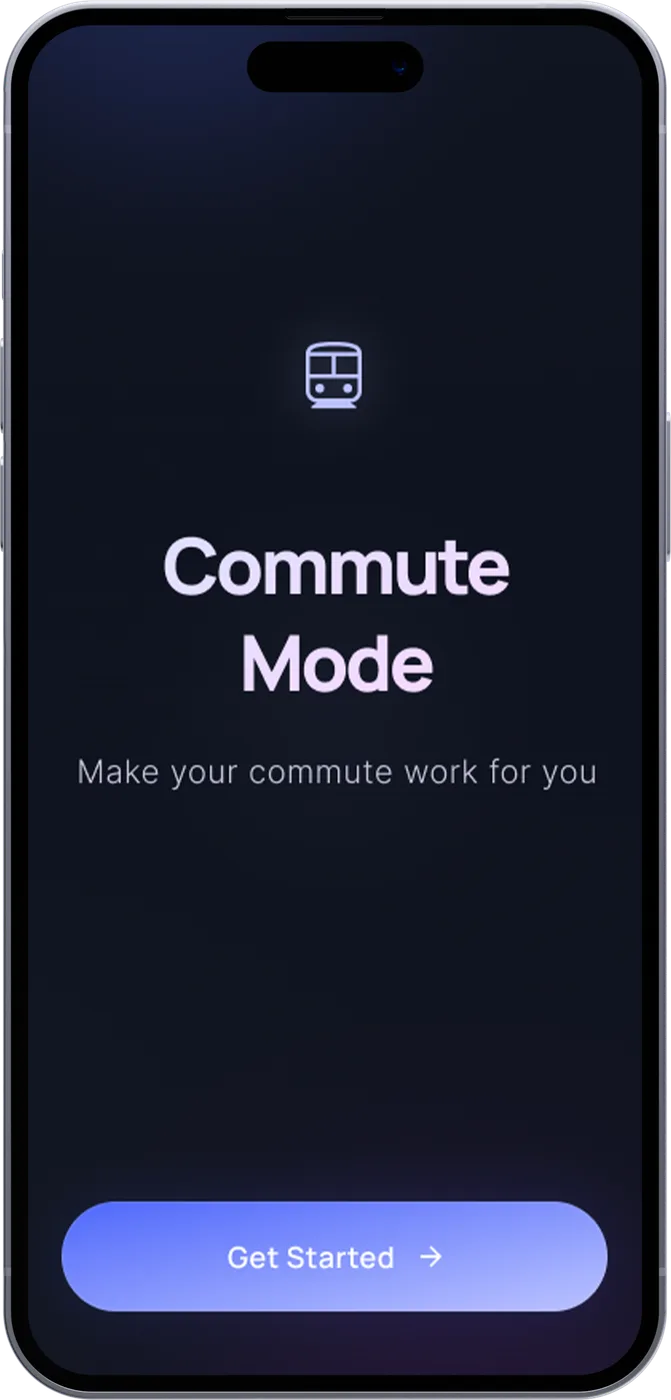
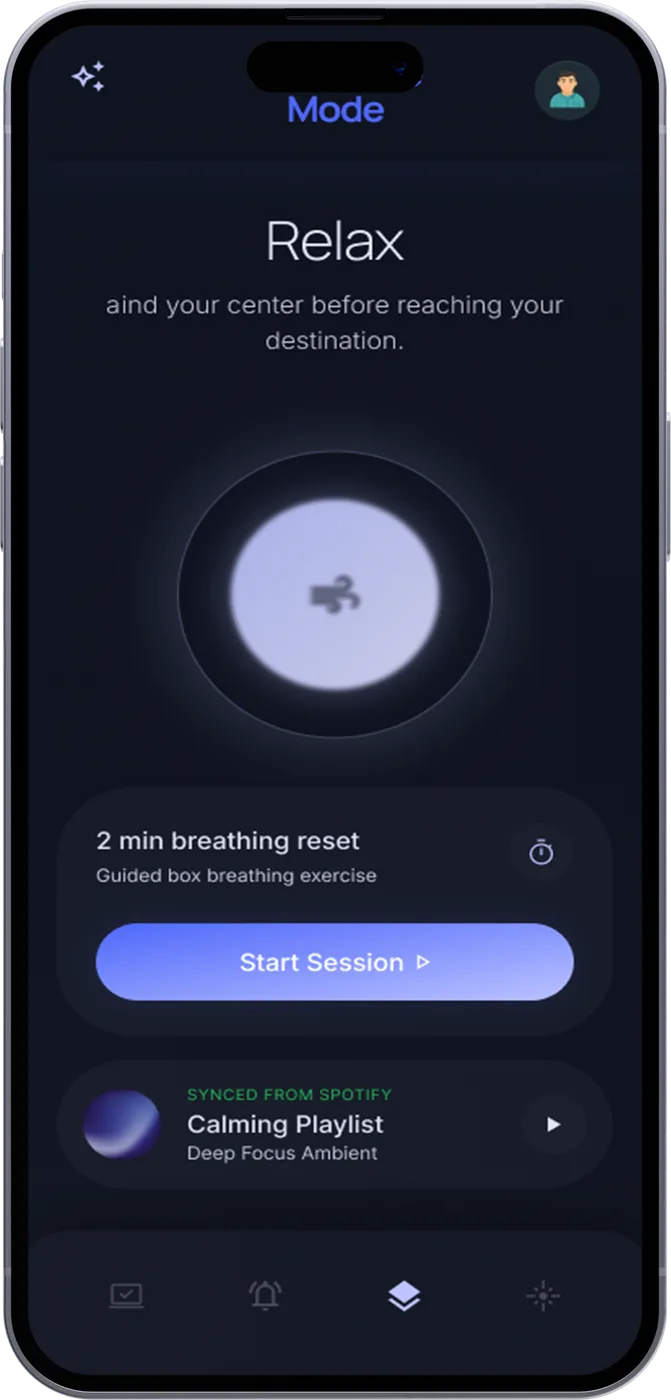
My second part: I made the whole film. A pitch lives or dies on the story, and there was no time to film anything, so AI became my production crew. I generated the storyboard as still frames, animated each one into a short video shot, generated the voiceover, and edited it all into a 50-second film with the app screens layered on top. Every step, in a few hours.
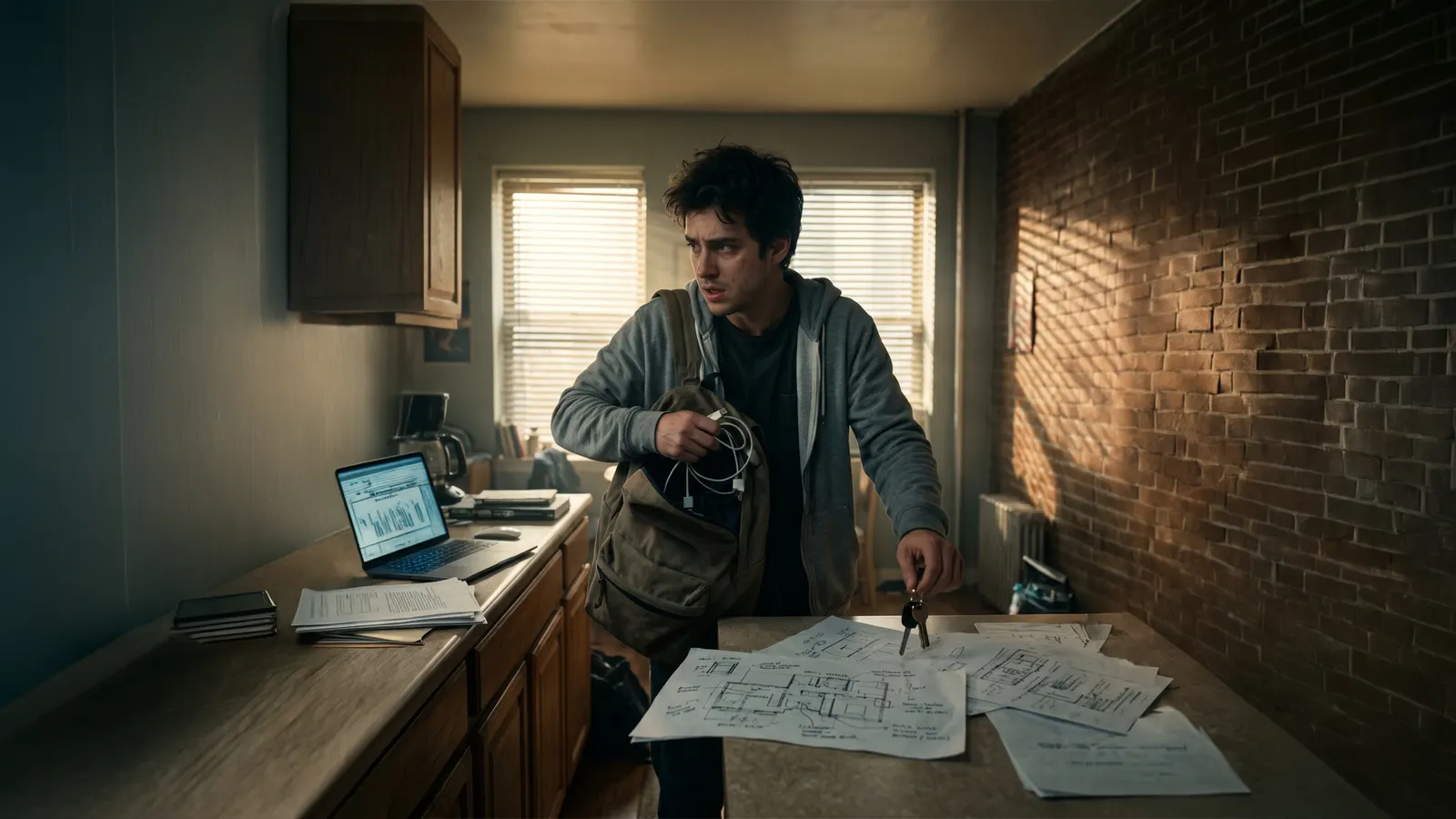
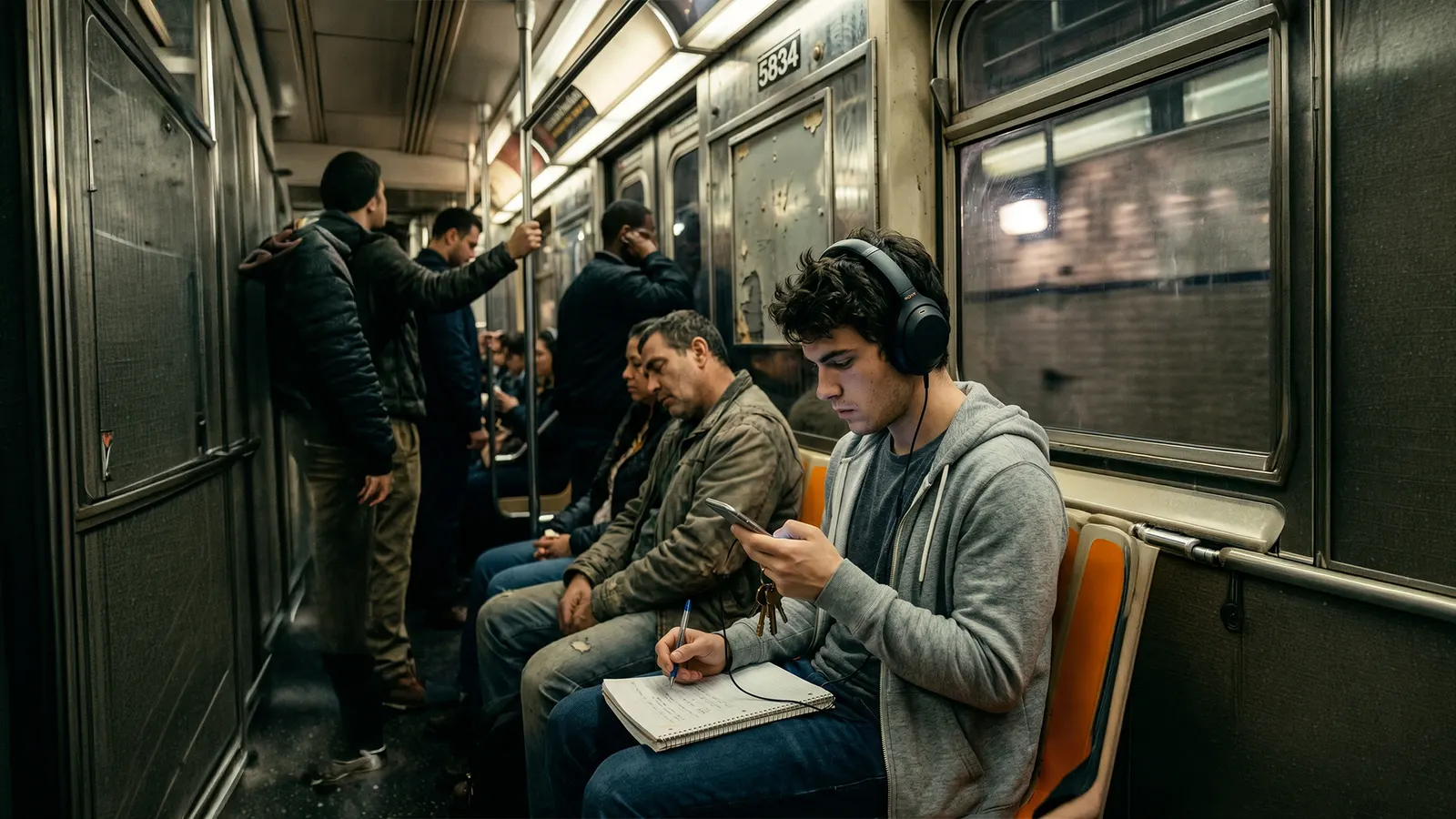
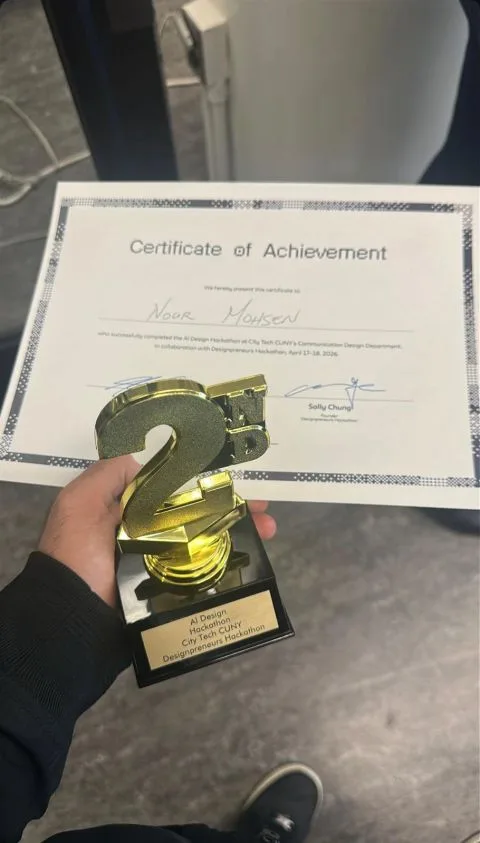
We pitched Commute Mode to the judges with the film, the screens and the research behind them, and took 2nd place at the AI Design Hackathon, run by City Tech's Communication Design department with Designpreneurs Hackathon.
Not bad for an idea that didn't exist the day before.